
Notta AI Review 2026: Is It Still Worth Your Money?
Meeting transcription tools have quietly become as essential as the calendar invite itself. Notta is one of the older, more established names in that space, but “established” doesn’t automatically mean “still the best pick for you.” This review breaks Notta down feature by feature, tier by tier, and stacks it against where it actually struggles — so you can decide without wading through marketing copy.
What Notta Actually Is
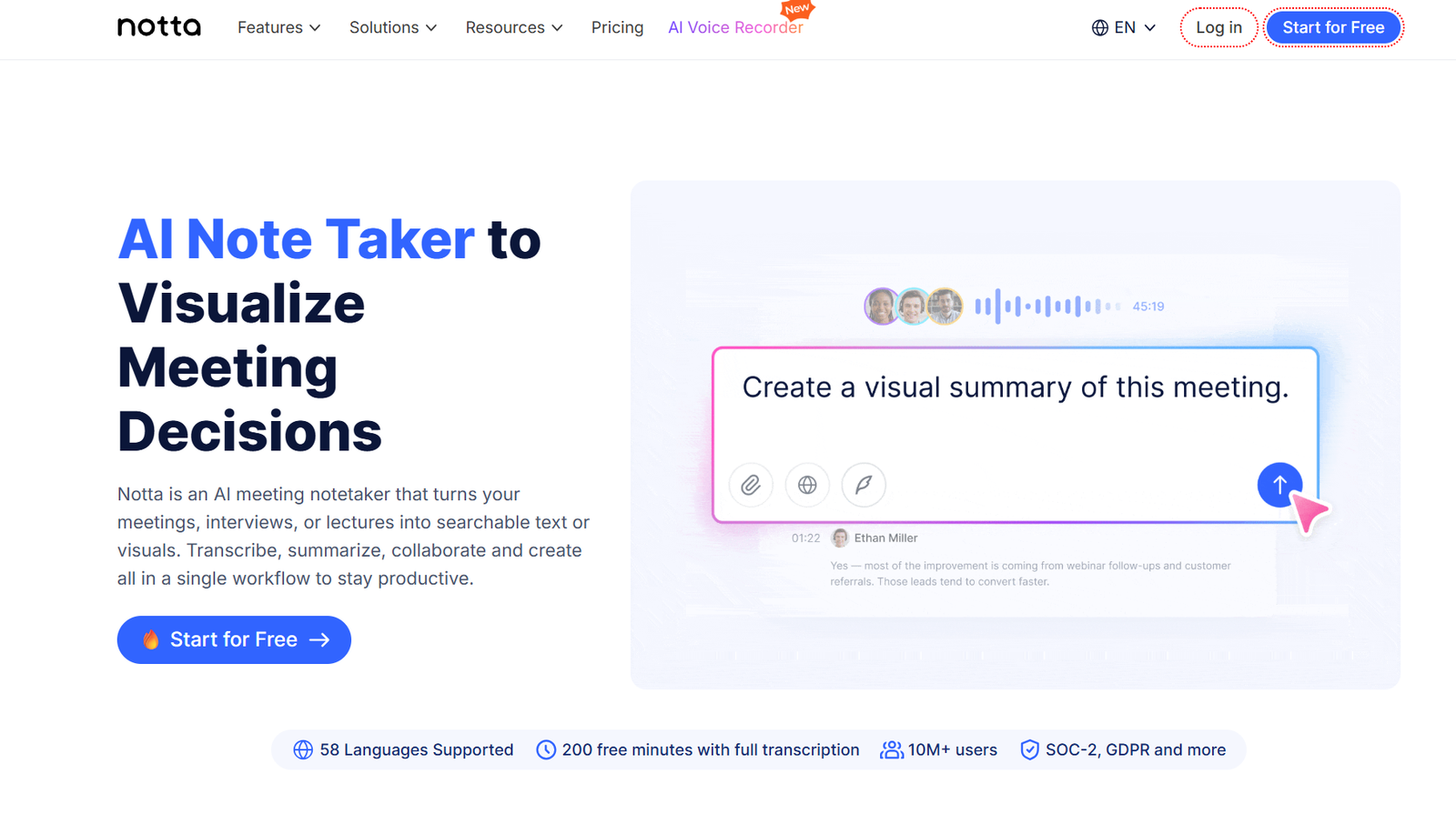
Notta is an AI transcription and meeting-notes platform that converts spoken audio — live meetings, uploaded recordings, or YouTube links — into searchable text, structured summaries, and action items. It can join Zoom, Google Meet, Microsoft Teams, and Webex calls as a bot, or work from files you upload directly.
Its two headline strengths are language coverage and summary quality. Support spans roughly 58 languages, which dwarfs lighter competitors, and the AI summarization layer goes beyond a bullet-point dump — it tries to produce an actual narrative of what was decided and who owes what.
Core Features Worth Knowing About
Live and recorded transcription. Notta transcribes in real time during a call or processes a file after upload. Accuracy on clear, single-speaker audio is generally strong; it softens noticeably with background noise, heavy accents, or several people talking over each other.
Speaker identification. The platform attempts to label who said what during multi-person conversations. It’s a genuinely useful feature for interviews and team calls, though mislabeling shows up often enough in user feedback that it’s worth spot-checking important transcripts rather than trusting them blindly.
AI summaries and action items. After a session finishes, Notta generates a structured summary — key points, decisions, and follow-up tasks — instead of just compressing the transcript. Template options let you tailor the summary to a general meeting, a team standup, or a consulting-style call.
Notta Brain (AI chat). A chat interface lets you ask questions against your own transcript — “what did the client say about pricing?” — rather than scrolling through the whole document. It’s a smart addition on top of a fairly standard transcription core.
Integrations. Calendar syncing (Google Calendar, Outlook), Slack, Zapier, and CRM connections such as Salesforce, HubSpot, and a handful of others round out the toolkit. The catch: most of the genuinely useful CRM integrations are locked behind the Business tier, not Pro.
Transcribe-from-URL. You can drop in a YouTube, Google Drive, or Dropbox link directly rather than downloading and re-uploading a file first. It’s one of the smoother file-handling flows among transcription tools in this category.
Pricing Breakdown
Pricing figures for Notta shift depending on where you look and when the page was last updated, but the general shape of the plans is consistent:
| Plan | Price | What You Get |
|---|---|---|
| Free | $0 | A capped monthly minute allowance with a short per-recording limit (commonly cited between 3 and 5 minutes per file), AI summaries in-app, no export options |
| Pro | Roughly $8–9/month billed annually, or $13–15/month billed monthly | Expanded monthly minutes (often cited around 1,800), longer per-file limits, transcript exports, translation, and core AI summary features |
| Business | Priced per seat, roughly $17–28/seat/month | Team workspaces, CRM integrations (Salesforce, HubSpot, and others), role-based permissions, usage analytics |
| Enterprise | Custom | Dedicated support, compliance documentation, and negotiated terms, typically starting at larger seat counts |
Because listed pricing on Notta’s own site has fluctuated over recent months, treat any number here as directional and confirm the current figure on Notta’s pricing page before you commit a card.
One recurring theme across independent reviews and pricing breakdowns: the free plan’s per-recording cap is the real limiting factor, not the monthly minute total. Since most standard meetings run well beyond that per-recording ceiling, a typical 30-to-60-minute call simply can’t be evaluated on the free tier at all. That makes the free plan more of a UI preview than something you can actually put to work.
Also Read : Inside SpaceX’s $60B Cursor Buy: Why It Really Happened
Where Notta Genuinely Delivers
- Language breadth. Notta’s language support is dramatically wider than lighter competitors like Otter.ai, which covers only a handful of languages by comparison — a real advantage for anyone working across regions.
- Summary quality. The multi-layer summarization that produces a coherent narrative rather than a flat bullet list is a step above many rivals in the same price range.
- URL-based transcription. Pulling a transcript straight from a YouTube link without a manual download-and-reupload cycle saves real time.
- Competitive Pro pricing. On paper, the annual Pro tier undercuts several well-known alternatives on a per-minute basis.
Where It Falls Short
- The free plan isn’t really usable. Per-recording caps that sit well under the length of an average meeting mean you’re effectively evaluating the product blind before you pay.
- Exports are locked behind Pro. You can’t pull your own transcript out as a file — TXT, DOCX, PDF, or otherwise — without upgrading first.
- Billing complaints show up repeatedly. Independent user reviews on consumer platforms describe trials converting into full annual charges with little warning, alongside slow support responses on billing disputes. This is the single most consistent criticism across outside sources, and it’s worth taking seriously before saving a card on file.
- The gap between review platforms is wide. Feature-focused reviews on sites like G2 tend to score the core transcription and summary engine well. Consumer-review sites tell a rougher story, dominated by billing and refund frustrations rather than product complaints — a split worth noticing, because it suggests the technology and the business practices around it aren’t rated equally by the same people.
- CRM and team features require Business, not Pro. If Salesforce or HubSpot syncing is the reason you’re considering Notta, know upfront that the Pro tier won’t get you there.
How It Stacks Up Against Alternatives
- Otter.ai — narrower language support, but a more generous free tier for English-only use cases.
- Fireflies.ai — competitive on unlimited transcription at a lower entry price for teams that don’t need Notta’s summary depth.
- Fathom and tl;dv — both lean harder into meeting intelligence and cross-call analysis rather than pure transcription, which matters if you need insights across dozens of calls rather than one at a time.
- Sonix — a stronger fit for teams with compliance requirements (HIPAA, SOC 2) who want those guarantees without negotiating an Enterprise contract.
None of these is a strict upgrade over Notta — each trades away something Notta does well in exchange for a narrower focus.
Verdict
Notta’s transcription and summarization engine is legitimately competitive, and the language coverage alone makes it worth a look for anyone working across multilingual teams. The friction shows up around the edges: a free plan that can’t realistically be tested against a real meeting, exports gated behind a paywall, and a consistent pattern of billing complaints from users who didn’t expect a trial to convert into a full annual charge.
Who should consider Notta: professionals who transcribe regularly, need multilingual support, and are comfortable monitoring a subscription closely — ideally on the monthly Pro plan first, before committing to annual billing.
Who should look elsewhere: anyone who wants to fully evaluate a tool on its free tier before paying, or teams whose main draw is CRM integration, since that sits behind the pricier Business plan.
If you do sign up for a trial, set a calendar reminder before it converts. That single habit avoids the complaint that comes up most often in independent user feedback.
Pricing and feature details change frequently for SaaS products. Always verify current numbers directly on Notta’s pricing page before purchasing.