

How to Cancel The Roku Subscription Without Hassle
Canceling a Roku subscription should be straightforward, not like putting together a puzzle with missing pieces. But many users find themselves bouncing back and forth between the Roku website, their TV screen, and the streaming service’s own app when trying to figure out exactly where in places have been hiding the actual cancel button. The good news? The process is straightforward once you know where the subscription was originally purchased. If it was billed directly through Roku, you can turn off auto-renew from your Roku device or your Roku account online in just a few minutes. Recent Roku help resources confirm that the fastest route is through my.roku.com under “Manage your subscriptions”, where you can switch off renewal and still keep access until the current billing period ends. (Just Cancel)
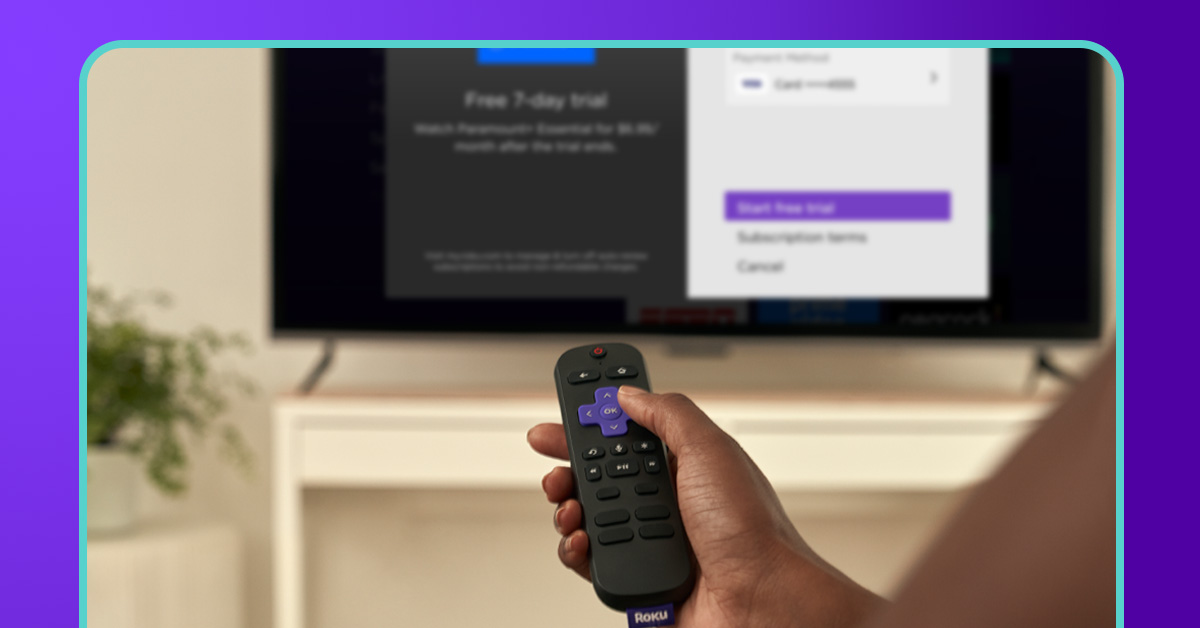
This guide takes you through the simplest, no-fuss methods to cancel a Roku subscription in 2026, whether those are for channels such as Starz, Paramount+, AMC+ or some other service charged by Roku Pay. You’ll also find out what you should do if the subscription doesn’t show up, how to prevent getting charged again and what happens after canceling. It’s kind of like cleaning out a closet — you are not going to throw away the clothes you already paid for today. You just have to make sure nothing new gets added next month.”
Understand How Roku Billing Works
Before you rush to cancel, here’s the most important thing to know: Roku only lets you cancel subscriptions that are billed through Roku Pay.
This is where many people become frustrated. For instance, if you subscribed to Disney+, Peacock or Netflix through their own web sites, Roku may still have the app present on your device, but it does not manage billing. Then trying to cancel through Roku is like knocking on the wrong door.
A quick way to check is to highlight the app on your Roku home screen and press the Star (*) button. If you see “Manage Subscription,” it is billed through Roku. If you do not, the payment likely goes through the streaming provider directly. Recent support cases also show that some users get stuck because they signed in with the wrong Roku email account, so always verify the email tied to your device under Settings > System > About. (help.rocketmoney.com)
This distinction matters because canceling the wrong way can still leave charges active. It’s similar to canceling a gym membership through the trainer instead of the front desk—you may think it’s done, but the billing system keeps running.
Cancel Roku Subscription on the Website (Fastest Method)
The easiest and most reliable method is through the Roku website. Open your browser and go to the subscription management page in your Roku account. According to updated 2026 cancellation guides, this is the most recommended option because it shows all active Roku-billed subscriptions in one place, including premium channels and forgotten free trials. (Just Cancel)
Here’s how to do it:
- Visit my.roku.com
- Sign in to your Roku account
- Click Manage your subscriptions
- Find the subscription you want to stop
- Select Turn off auto-renew
- Confirm your choice
Once you do this, the service stays active until the end of the current billing period, so you are not losing anything you already paid for. That’s the beauty of Roku’s system—it stops future payments without cutting you off immediately.
This method is ideal if you manage multiple services. Imagine it as your master control room where every recurring Roku payment is visible in one dashboard.
Cancel Roku Subscription from Your Roku TV or Streaming Device
If you prefer using your TV remote, Roku makes it just as easy. This method is perfect if you are already sitting on the couch and want to handle it right away.
Go to the Roku home screen and highlight the channel or app tile you subscribed to. Do not open it—just keep it selected. Press the Star (*) button on your remote, and a side menu will appear. From there, choose Manage subscription, then click Turn off auto-renew. Confirm once more, and you’re done. (help.vidangel.com)
The nice thing about this method is how visual it feels. Instead of digging through account menus, you cancel directly from the app tile itself. It’s like turning off a light switch in the room you are already in rather than walking back to the breaker panel.
One thing to remember: if “Manage subscription” does not appear, the service is probably not billed by Roku. In that case, you will need to cancel through the provider’s own website.
What Happens After You Cancel
A lot of users hesitate because they think canceling means instant loss of access. Thankfully, Roku doesn’t work that way.
When you cancel, Roku simply turns off auto-renewal. Your subscription remains fully active until the end of your current billing cycle. So if you paid on April 1st and cancel on April 3rd, you can still stream until May 1st without interruption. Recent Roku support examples confirm this same policy across services like VidAngel, FloSports, and premium Roku Channel add-ons. (help.vidangel.com)
You should also receive a confirmation email from Roku after cancellation. Keep this email—it’s your receipt and proof in case you are billed unexpectedly later.
This delayed end date is actually a consumer-friendly system. Think of it like canceling a magazine subscription: the future issues stop, but the ones already paid for still arrive.
Troubleshooting Common Roku Cancellation Problems
Sometimes the process isn’t smooth, and that’s where most frustration begins.
Subscription Not Showing
If your active subscription does not appear in the Roku account, first check whether you are signed into the correct Roku email. Many users accidentally have multiple Roku accounts, and the subscription may be tied to another one. (Reddit)
No “Manage Subscription” Option
This usually means the subscription is billed by the streaming service directly, not Roku. Cancel it on the provider’s website instead.
Still Charged After Canceling Elsewhere
A common issue happens when users cancel on the streaming service website even though billing was originally through Roku. Roku community reports show this can still trigger renewals because the billing authority remains Roku. (Reddit)
The safest rule is simple: cancel it the same way you subscribed to it.
How to Avoid Future Roku Charges
The easiest way to avoid surprise charges is to review all free trials and premium add-ons monthly. Roku makes it extremely easy to start trials, and many users forget about them until they see the credit card bill. Some recent 2026 estimates suggest users often carry 3–5 forgotten channel subscriptions at once. (Just Cancel)
A smart habit is to:
- Check subscriptions once a month
- Cancel trials immediately after starting them
- Set reminders 1–2 days before renewal
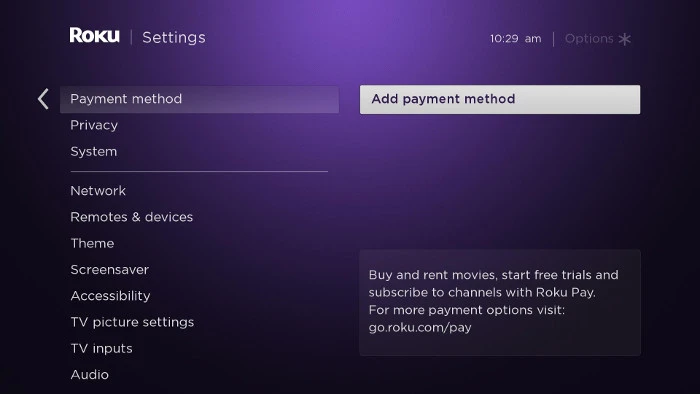
- Remove unused payment methods after all active subscriptions end
This is like pruning a garden. A little regular maintenance keeps small weeds from turning into a costly mess.
Conclusion
Learning how to cancel the Roku subscription without hassle really comes down to one rule: manage the subscription where it was billed. If Roku handled the payment, use either my.roku.com or the Star button on your remote to turn off auto-renew. The process usually takes less than two minutes, and your access remains active until the billing period ends.
The real secret to staying hassle-free is staying proactive. Check your subscriptions regularly, watch out for trial renewals, and save your confirmation emails. Once you get used to Roku’s billing flow, canceling becomes as easy as changing the channel.