
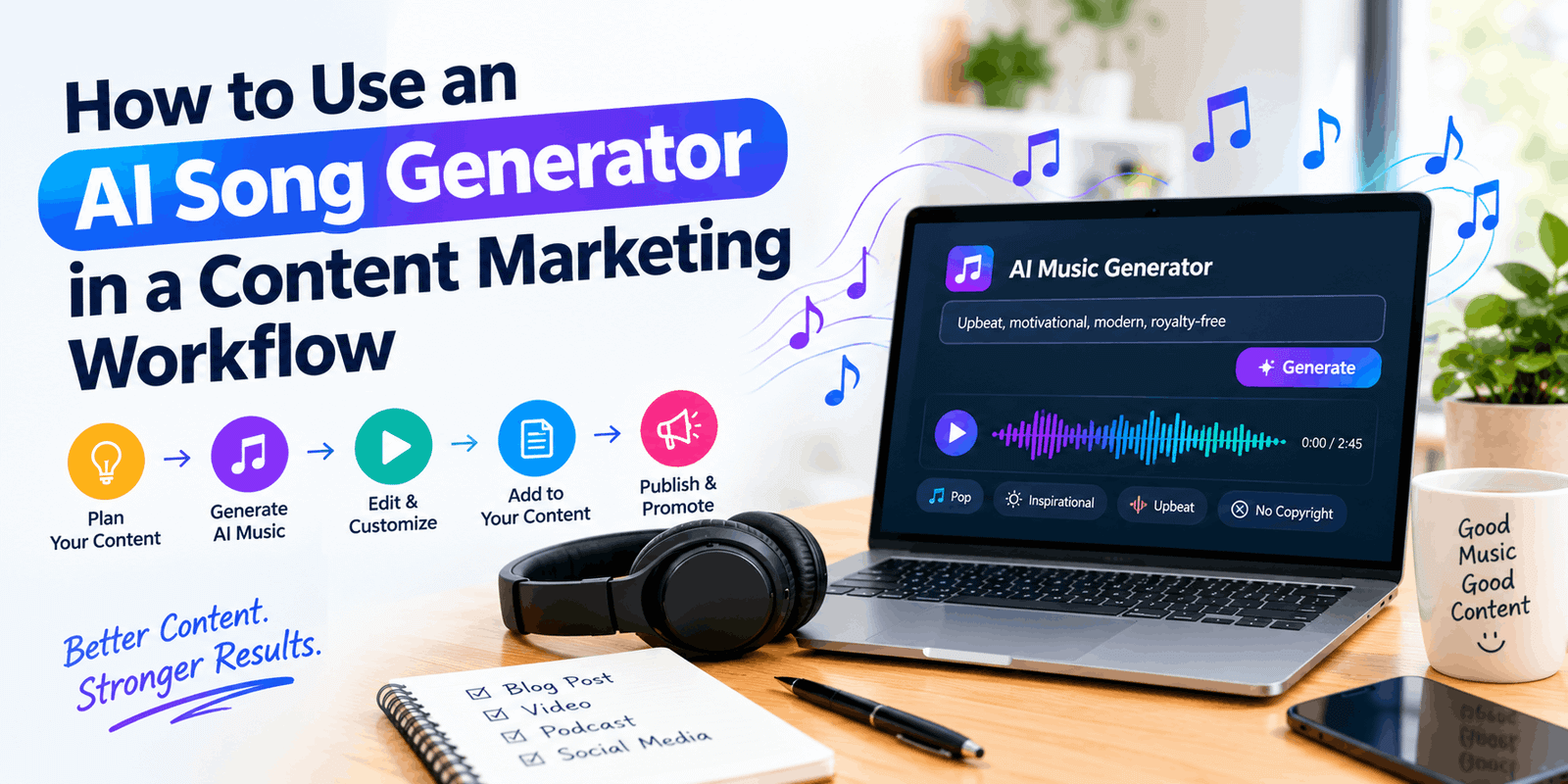
How to Use an AI Song Generator in a Content Marketing Workflow
Most marketing teams already have a content workflow: brief, draft, review, publish, report. Music rarely has a place in it. It gets picked at the last minute from a stock library, and the video ends up with the same three tracks everyone else uses.
AI song generators change that. You can describe a mood, paste in some lyrics, and have a finished track in a couple of minutes. But a tool that fast is easy to misuse. A team that treats it like a vending machine ends up with off-brand audio, unclear usage rights, and a folder of forty files nobody can find.
This guide treats the generator as one stage in a real workflow, with a brief going in and a review coming out.
What an AI song generator actually does
An AI song generator turns text into audio. Some tools make instrumentals only. Others produce full songs with vocals, structure, and mixing from a short prompt or your own lyrics. You pick a genre, a mood, and maybe a tempo, and the model proposes a few versions.
It is useful for marketing because it fixes three common problems:
- Stock fatigue. Your audience has heard the “inspiring corporate piano” track before.
- Fit. Library music rarely matches the exact length or feel of your video.
- Speed. You can test three sonic directions in an afternoon instead of a week.
It does not replace a composer, a sound designer, or an editor’s ear. It gives you raw material, and you still decide what’s good enough.
Also Read : AI Social Media Caption Generator
Step 1: Start with a music brief, not a prompt
The most common mistake is opening the tool and typing “upbeat track for our product video.” You will get something, and it will sound like everything else.
Before you generate anything, write a short brief. It should take ten minutes and answer five questions:
- Where will this play? A 15-second Reel, a webinar intro, a podcast bed, and a product demo all need different music.
- What should the listener feel? Pick one or two feelings, not five. “Calm confidence” is a brief. “Energetic, warm, premium, fun, trustworthy” is a wish list.
- What are the hard limits? Length, vocals or no vocals, language, and anything off-limits for your brand.
- What should it not sound like? Naming what you want to avoid is often more useful than describing what you want.
- Who approves it? Decide this now, not after you have fallen for a track.
A brief also makes your prompts better. Writing “warm acoustic, mid-tempo, light percussion, no vocals, 30 seconds, builds gently” is far more precise than “happy music.”
Step 2: Turn the brief into prompts you can reuse
Once the brief is written, build a small prompt template. Most generators respond to a few kinds of input:
- Genre and style tags (lo-fi, indie pop, cinematic, funk)
- Mood and energy words
- Instrumentation (piano, acoustic guitar, synth pads)
- Structure (short intro, verse, chorus, outro)
- Lyrics, if you want vocals
Keep your best-performing prompts in a shared document, with a note on which campaign each one came from. After a month you will have a prompt library that carries your brand’s sound from one project to the next.
If you want vocals, write the lyrics yourself or edit them heavily. Generic AI lyrics tend to sound alike, and they are the part audiences notice first. They also matter for rights, which we’ll get to below.
Step 3: Generate in batches, then cut hard
Treat the first round as exploration. Generate six to ten options from one brief, then listen with the actual use in mind. Play each one under your video, not on its own. A track that sounds great in isolation can fight with a voiceover.
Cut the list quickly using a simple filter:
- Does it match the feeling in the brief?
- Does it stay out of the way of speech?
- Does it have any odd artifacts, such as garbled words, abrupt jumps, or a strange ending?
- Does it sound distinctive, or does it sound like a template?
Keep two or three and discard the rest. If nothing works, change the brief or the prompt rather than regenerating endlessly. Endless regeneration eats time and credits and rarely gets you closer.
Step 4: Edit like a human
Raw output is a starting point. A few small edits make AI music sound deliberate:
- Trim and loop the section that fits, instead of using the whole track.
- Add fades so cuts don’t feel abrupt.
- Duck the volume under voiceover. Music should sit about 12 to 18 dB below speech in most mixes, though your ear should decide.
- Layer your own sound. A recorded voice tag, a bit of foley, or a brand sting makes the piece harder to mistake for a default output.
- Export stems if your tool allows it, so an editor can adjust drums, bass, and melody separately.
This is also where your human contribution counts, both creatively and, as the next section explains, legally.
Step 5: Check the rights before you publish
This is the step most guides skip, and it matters.
Using AI music commercially means keeping two questions apart:
What are you allowed to do with the track? That depends on the platform’s terms. Suno, for example, limits free-plan songs to personal, non-commercial use, and says songs made on the free plan can’t be monetized. Paid plans continue to grant commercial use rights for music generated while a subscription is active. Any ad, sponsored post, or promotional video counts as commercial use, so a free account isn’t enough for client or brand work.
Do you own it? Not necessarily. Even with commercial use rights, you generally aren’t considered the owner of the songs, since Suno generated the output. And the US Copyright Office’s current position is that works generated entirely by AI without meaningful human creative input cannot be registered for copyright. In practice, this means a competitor could potentially reuse a track you generated, and you may struggle to stop them.
The wider legal picture is also unsettled. Major labels sued Suno in 2024 over alleged use of copyrighted training data, and some of those disputes have since been settled or turned into licensing deals while others continue. Terms change often, so read the current version for your plan before each campaign.
A practical checklist:
- Generate on a paid plan, and note which plan was active.
- Save the terms and the date you generated the track.
- Write your own lyrics, or edit them substantially.
- Add real human work: arrangement, editing, layered sound.
- For a flagship campaign, a TV spot, or a client with strict legal requirements, ask a music or IP lawyer. This article is not legal advice.
For low-stakes uses like social clips, internal videos, and podcast beds, the risk is usually manageable. The higher the exposure, the more careful you should be.
Step 6: Reuse one track across channels
A single good track can serve a whole campaign if you plan for it from the start.
- Short vertical video: a 15 to 30 second cut as the hook.
- Long-form video or webinar: a longer version or a looped bed.
- Podcast or audio ads: an instrumental version under speech.
- Email and landing pages: an embedded audio clip or a video with the same track.
- Lyric or caption videos: pair lyrics with auto-captions in CapCut or Canva. Calvyn Lee’s Suno walkthrough points out that fast, technical songs need on-screen text to land.
Ask the tool for alternate cuts (full, 30-second, 15-second, instrumental) when you generate, so the whole set shares the same sound.
Step 7: Name, store, and document everything
Messy files undo the time you saved. A simple convention works:
campaign_use-case_mood_version_date
For example: springlaunch_reel_warm-acoustic_v2_2026-10-07.
Keep a short log next to each file: the prompt, the platform and plan, the approval date, and where it was published. When a client asks “where did this come from?” six months later, you can answer in one minute.
Step 8: Measure what matters, and be honest about it
It’s tempting to report that “AI music saved us 14 hours.” Maybe it did. But hours saved and tracks produced are easy numbers that miss what you actually care about: did the sound help the content work?
A more useful review looks at a mix of signals:
- Retention and completion on videos with the new audio compared with older ones.
- Comments and replies that mention the music, good or bad.
- Team feedback on whether the process felt smoother or just busier.
- Brand consistency: does it sound like you across the campaign?
Numbers tell you something, but not everything. A track can lift watch time and still feel wrong for your brand, and your team’s judgment should be able to overrule the dashboard. If that balance interests you, the idea of weighing human context against raw metrics is a recurring theme at Team Disquantified, which is worth reading alongside this process.
Common mistakes to avoid
- Skipping the brief. Vague input gives generic output.
- Using the free plan for commercial work. It’s the easiest way to create a rights problem.
- Publishing the first result. Always compare several options.
- Ignoring the mix. Music that drowns out speech hurts the content.
- Over-automating. If every piece of content has the same synthetic sound, you’ve traded stock fatigue for AI fatigue.
- Having no approver. Without one, taste decisions drift and quality slips.
A simple weekly rhythm
For a small team, this is enough:
- Monday: write or update music briefs for the week’s content.
- Tuesday: generate batches and shortlist.
- Wednesday: edit, mix, and get approval.
- Thursday: publish and log files and rights notes.
- Friday: quick review of what worked, plus updates to the prompt library.
After a few weeks, the process becomes routine and your prompt library does most of the early work.
Final thoughts
An AI song generator is most valuable when it sits inside a process. Write a clear brief, prompt with intention, cut quickly, edit by hand, check rights, and review results with honest judgment. The tool makes music faster, but your team’s taste and care decide whether the audio is worth hearing.