
InDown.io Review: Is This Free Instagram Downloader Worth Using?
If you’ve ever scrolled through Instagram and wished you could save a video, reel, or photo straight to your phone, you’ve probably run into a wall — Instagram simply doesn’t give you a native “download” button. That’s the exact gap that InDown.io tries to fill. In this review, we’ll break down what the service actually offers, how it works, who it’s for, and whether it’s worth your time.
What Is InDown.io?
InDown.io is a free, web-based downloader built specifically around Instagram, with a TikTok downloader added on as a secondary feature. Instead of asking you to install an app, it works entirely in your browser — you paste a link, the tool fetches the media, and you download it. No account, no login, no app store detour.
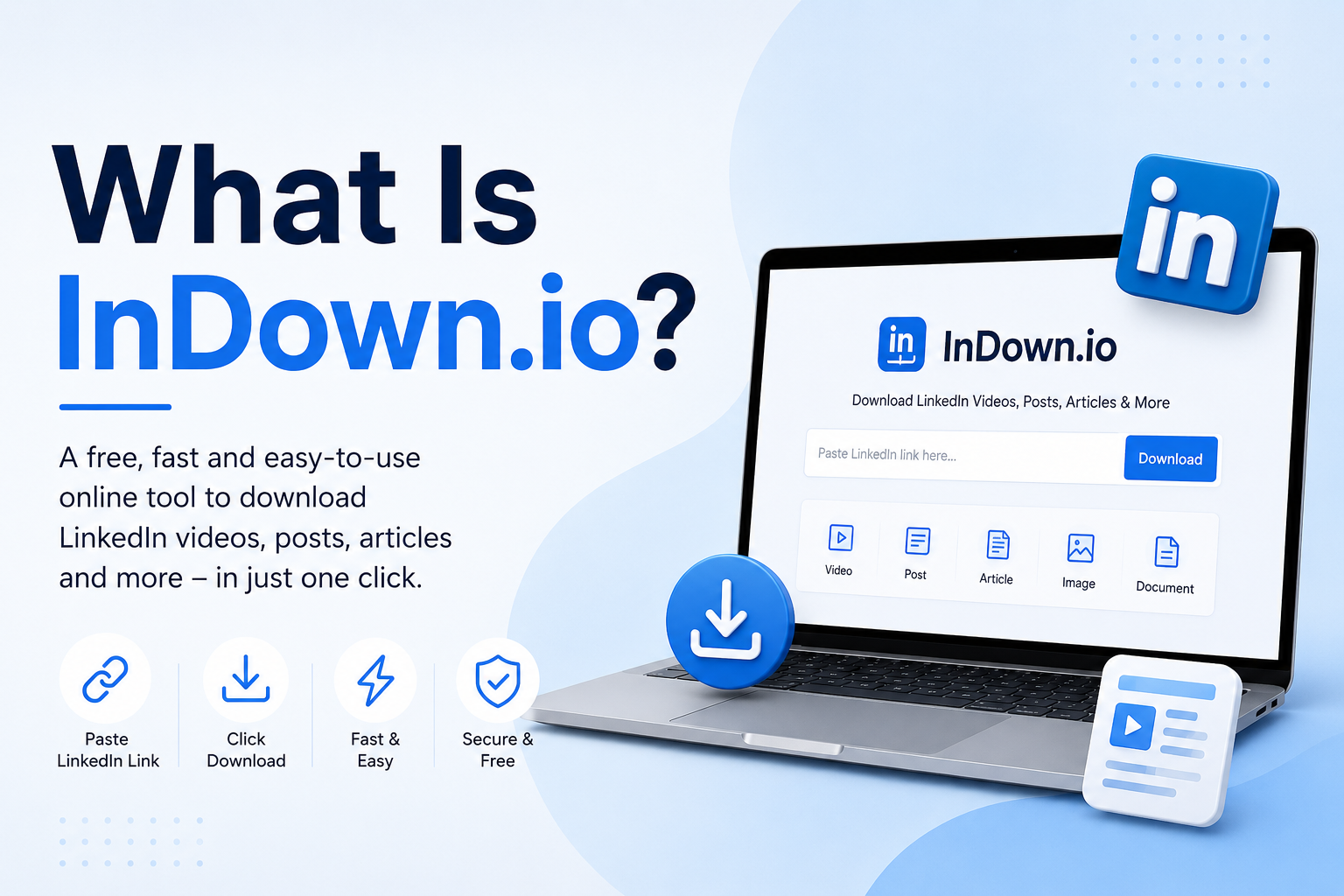
The site is built around one core promise: fast, anonymous, login-free downloading of Instagram content, in the original quality it was uploaded in.
What Services Does It Provide?
InDown.io isn’t just a single video downloader — it’s split into several dedicated tools, each handling a different type of Instagram content:
| Tool | What It Downloads |
|---|---|
| Video Downloader | Standard Instagram feed videos |
| Reels Downloader | Instagram Reels |
| Photo Downloader | Instagram photos/images |
| DP Viewer | Instagram profile pictures (DP) |
| Stories Downloader | Instagram Stories |
| Highlights Downloader | Instagram Highlights |
| TikTok Downloader | TikTok videos |
| Private Downloader | A separate page for private account content |
This range is actually one of InDown.io’s strongest selling points — most competing tools only handle regular feed videos, while InDown.io spreads across nearly every content type Instagram offers.
How It Works (Step-by-Step)
The process is genuinely simple, and this is where the site delivers on its “easy to use” claim:
- Copy the link of the Instagram video/photo/reel you want (open the post → tap the three dots → “Copy Link”).
- Go to InDown.io in any browser.
- Paste the link into the input box on the homepage.
- The tool syncs the media automatically.
- Hit Download — and the file saves to your device.
There’s no sign-up form, no email verification, and no app permission requests. For someone who just wants to grab one video and move on, this low-friction flow is a genuine advantage.
Key Features
- No app installation required — works directly in the browser
- No login or signup needed, and you never enter Instagram credentials
- Cross-device support — works on Android, iPhone, tablet, and PC
- Original quality downloads — pulls the video/photo at the same resolution it was uploaded in (720p, 1080p, etc.)
- Completely free, with no stated download limits
- Multi-language interface — the site is localized into 20 languages, including Arabic, Hindi, Spanish, French, and Chinese
Ratings: How Does InDown.io Stack Up?
Here’s an honest, criteria-based breakdown:
| Category | Rating (out of 5) | Notes |
|---|---|---|
| Ease of Use | ⭐⭐⭐⭐⭐ | Genuinely a 2-step copy-paste process |
| Speed | ⭐⭐⭐⭐ | Fast for standard videos/photos; can vary for longer Reels |
| Content Coverage | ⭐⭐⭐⭐⭐ | Covers video, reels, photos, stories, highlights, DP, and TikTok |
| Safety/Privacy | ⭐⭐⭐⭐ | No login required, but as with any free third-party tool, caution with ads/pop-ups is wise |
| Design/Interface | ⭐⭐⭐ | Functional but ad-heavy, which is common for free tools |
| Mobile App Need | ⭐⭐⭐⭐⭐ | Zero installs, saves storage space |
Overall: 4.2 / 5 — A solid, no-frills option if your main priority is quick downloads without commitment.
Who Is This Useful For?
- Casual users who want to save a friend’s reel, a funny video, or a story before it disappears
- Content creators/marketers who need to reference competitor posts or repurpose their own content for backup
- People avoiding app clutter who don’t want yet another downloader app taking up phone storage
- PC/desktop users who find browser-based tools more convenient than mobile apps
A Note on Legal & Ethical Use
InDown.io’s own terms are upfront about this: the tool is positioned for personal, educational use — saving content for yourself, building a private offline collection, etc. It does not claim any ownership over downloaded media; copyright stays with the original creator. If you plan to reuse downloaded content commercially (in ads, monetized videos, etc.), you’d need explicit permission from the original poster — downloading a video doesn’t grant you rights to redistribute or monetize it.
This is a reasonable, honest line for the service to draw, and it’s worth keeping in mind regardless of which downloader tool you use.
Pros and Cons
Pros:
- Wide range of content types supported (video, reels, photos, stories, highlights, DP)
- No login or app download required
- Free with no apparent usage limits
- Works across devices and browsers
- Multi-language support for global users
Cons:
- Ad-supported, which can make the interface feel cluttered
- Private account downloads require a separate tool/page
- No browser extension or app for repeat power-users — you’re back to copy-pasting links each time
- Like most free downloader sites, occasional pop-ups are part of the trade-off for “free”
Final Verdict
InDown.io does what it says on the tin: it’s a free, login-free, app-free way to download Instagram content across nearly every format the platform offers, plus a bonus TikTok downloader. It won’t win design awards, and the ad-supported model is the price of “free,” but for someone who just needs to grab a reel or a story without installing anything extra, it’s a dependable, low-effort option.
Bottom line: If your downloading needs are occasional and personal, InDown.io covers the basics well. If you need bulk downloading or a cleaner, ad-free experience, you may want to compare it against paid alternatives — but for a free browser-based tool, it earns a solid recommendation.