
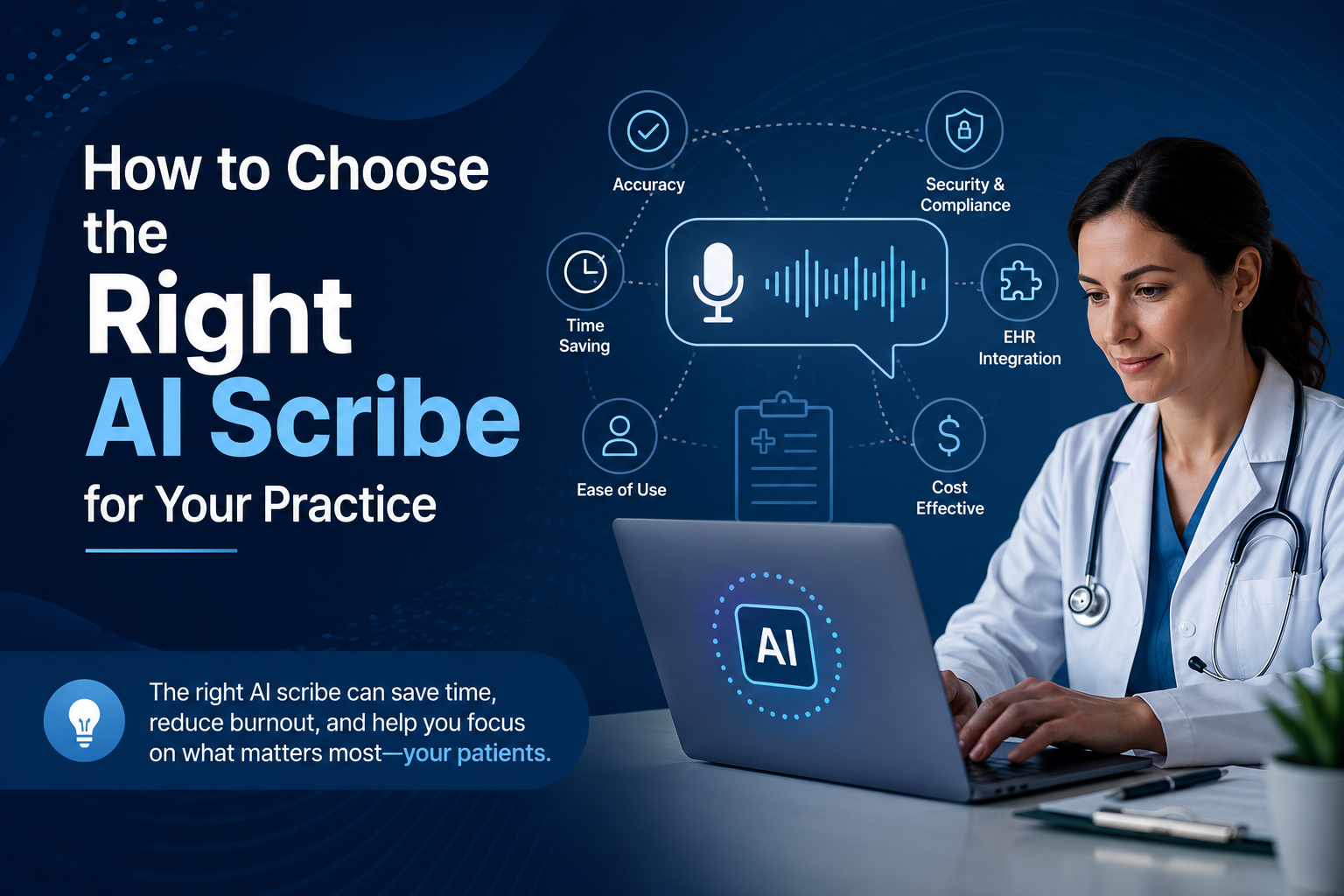
How to Choose the Right AI Scribe (Without Regretting It Six Months In)
A friend of mine — a family physician in her second year of solo practice — called me last spring, half-frustrated, half-desperate. She’d just signed a 12-month contract with an AI scribe vendor after a slick 20-minute demo, and three weeks in, the notes it generated read like they’d been written by someone who’d never actually sat in the room. Wrong tense, missed context, and a support team that took four days to reply to a billing question. She was stuck.
That conversation is basically why I’m writing this. Picking an AI scribe isn’t like picking a note-taking app. It touches patient charts, billing codes, compliance, and honestly, your sanity at the end of a 10-hour clinic day. So let’s go through this properly.
Why Everyone’s Suddenly Talking About AI Scribes
Clinician burnout tied to documentation isn’t new, but the tools to fix it have finally caught up. Ambient AI listens during the visit, drafts a note, and — in theory — gives you your evenings back. The market’s gotten crowded fast, though, and not every tool is built for the same kind of practice. A tool designed for high-volume urgent care visits behaves very differently from one built for, say, a 50-minute therapy session.
That’s really the first thing to sort out before you look at a single feature list.
Also Read : AI-Powered Customer Journeys
Start With Your Specialty, Not the Software
I’ve noticed people shopping for these tools backwards. They start with “which one has the best reviews” instead of “what does my actual workflow look like.” A cardiologist dictating complex assessments needs something different than a psychiatrist who needs nuance and tone captured accurately.
If you’re in behavioral health, for instance, you’ll want to specifically look at an AI scribe for mental health therapists rather than a generic tool repurposed for talk therapy — the language patterns, pacing, and note templates are just different animals. Same logic applies if you’re running a small practice: a best AI medical scribe for solo practitioners usually has simpler onboarding and doesn’t assume you have an IT department to lean on.
HIPAA Compliance Isn’t Optional — Here’s What to Check
This part sounds obvious, but I’m always surprised how many practices skip the actual verification step. Every vendor will say they’re “HIPAA compliant” on their homepage. Fewer will actually hand you a signed Business Associate Agreement without you asking twice.
Before signing anything, ask for:
- A copy of their BAA, not just a mention that one exists
- Where patient audio and transcripts are stored, and for how long
- Whether recordings are used to train their models (some are, and you should know)
If a sales rep gets vague or defensive about any of this, that’s your answer. When you’re comparing options, search specifically for HIPAA compliant AI scribe software rather than trusting marketing copy — the difference between “compliant” and “compliant with documentation to prove it” matters a lot when an audit happens.
EHR Integration: The Make-or-Break Feature
Here’s the thing nobody tells you in the demo: a beautifully written note is useless if it doesn’t land in the right field of your EHR. I’ve seen practices end up copy-pasting AI-generated notes manually because the “integration” was really just an export button.
Before you commit, ask exactly how the tool connects with your system — Epic, Athenahealth, eClinicalWorks, whatever you’re on. Some vendors offer near real-time sync, others require a clunky middle step. Look closely at AI scribe integration with EHR systems as a category, because this single feature probably determines whether your staff actually adopts the tool or quietly abandons it after month two.
What It Actually Costs (And Why the Cheapest Option Might Cost You More)
Pricing in this space is all over the place — anywhere from $50 a month per provider to several hundred, depending on features, support tier, and whether it’s billed per note or per user. The number on the pricing page rarely tells the full story though.
Ask about:
- Setup or onboarding fees
- Whether pricing scales with visit volume
- Cancellation terms (some contracts lock you in for a year, others don’t)
If you’re trying to build a real budget, it helps to search how much does an AI scribe cost across a few vendors side by side rather than relying on one sales call. The cheapest tool that requires constant manual correction ends up costing you time, which — let’s be honest — is the exact thing you were trying to buy back in the first place.
Human Scribe vs AI Scribe — Which One Actually Wins
I get asked this constantly, and the honest answer is: it depends on your volume and your tolerance for imperfection. A trained human scribe picks up on nuance an AI still misses — sarcasm, family dynamics mentioned off-hand, a patient trailing off mid-sentence. But humans get sick, need PTO, and cost significantly more over a year.
AI doesn’t call in sick. It also doesn’t (yet) catch every subtlety, so most practices that switch end up doing a light edit pass on notes rather than trusting them blind. If you’re weighing this seriously, it’s worth reading up on AI scribe vs human medical scribe comparisons written by people who’ve actually run both side by side, not just vendor blog posts with an obvious bias.
Red Flags I’d Walk Away From
A few things that should make you pause during vendor evaluation:
- No free trial, or a trial so short you can’t test a real patient day
- Support that only exists via email ticket, no phone or chat option
- Vague answers about data retention or where servers are hosted
- Notes that require heavy rewriting even after the “learning period” they promised
None of these are automatic dealbreakers on their own. But two or three together? That’s usually a sign the product isn’t as mature as the marketing suggests.
My Actual Recommendation
Don’t buy from the first demo. Run at least two tools through a real clinic day — not a scripted demo patient, an actual messy visit with interruptions and tangents — and compare the drafts side by side. Ask your billing team to look at whether the notes actually support the codes you’re using. And read the contract’s cancellation clause before you read anything else on the page.
If ambient documentation is done well, it genuinely gives clinicians hours back every week. Done badly, it just moves the tedium from typing to editing. The difference usually comes down to how carefully you vetted the tool before signing, not how good the sales pitch sounded.
Thinking about switching or trying your first AI scribe? Compare top-rated AI scribes and book a live demo here before you commit to a full year.