
19 Billion Compromised Passwords: What Actually Happened, Who’s at Risk, and How to Fix It (2026 Guide)
If you’ve seen the number “19 billion” attached to the word “passwords” anywhere in your feed this year, you’ve probably had one of two reactions: panic, or scroll-past fatigue. Neither is the right response. The real story isn’t the size of the number — it’s what the number is actually made of, and what that means for your accounts, your team, and your customers.
This guide breaks down where the 19 billion compromised passwords figure came from, why most headlines got the takeaway wrong, which tools actually help you check and fix your exposure, and what to do next depending on whether you’re an individual, an online seller, a creator, a marketer, or running a business.
What Is the “19 Billion Compromised Passwords” Story, Really?
Security researchers compiled a massive dataset of leaked login credentials pulled from roughly 200 separate security incidents spanning about a year. The collection wasn’t one company getting hacked — it was an aggregation of combination lists (“combolists”), stolen-data dumps, and logs harvested by infostealer malware, all stitched together into one searchable archive running into several terabytes of raw data.
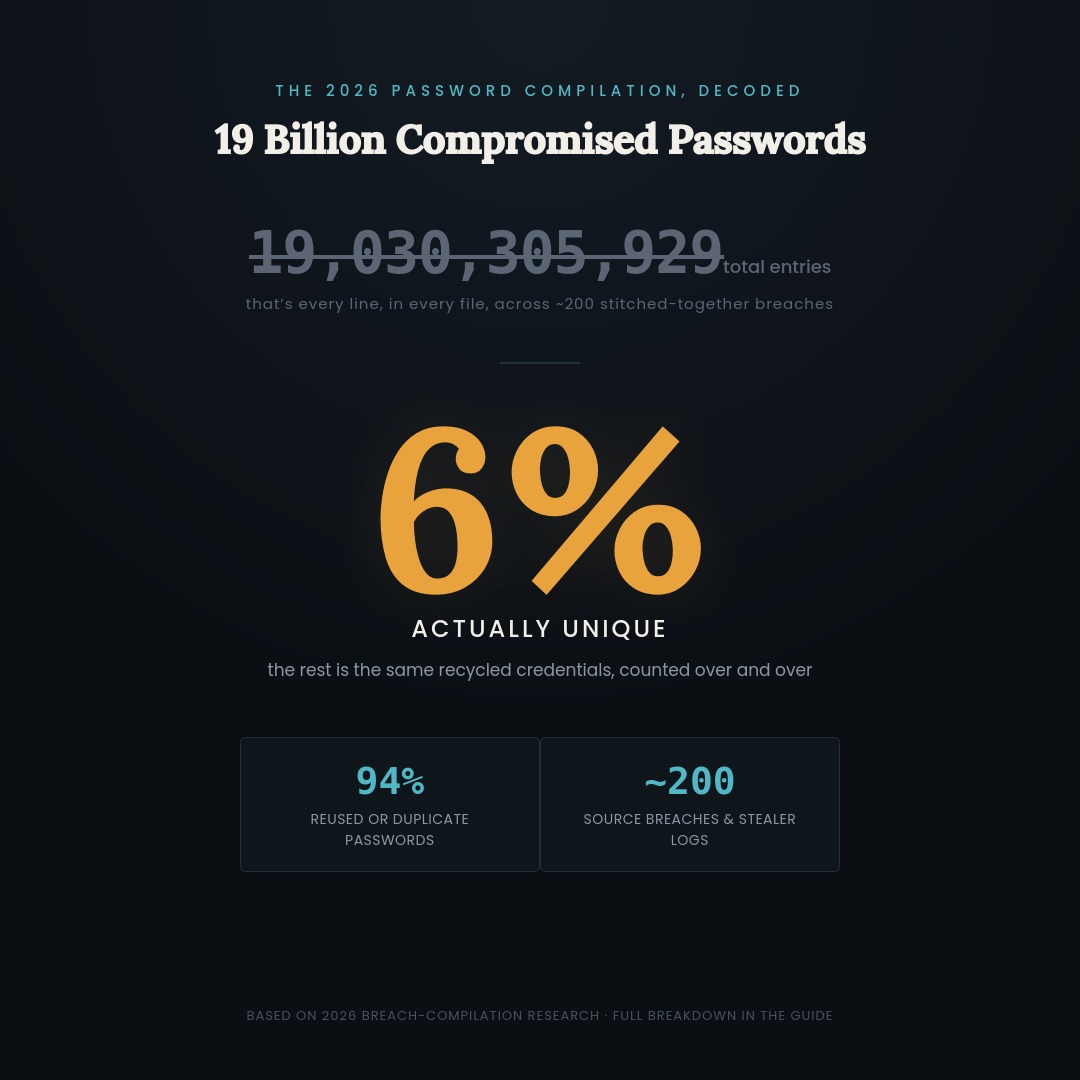
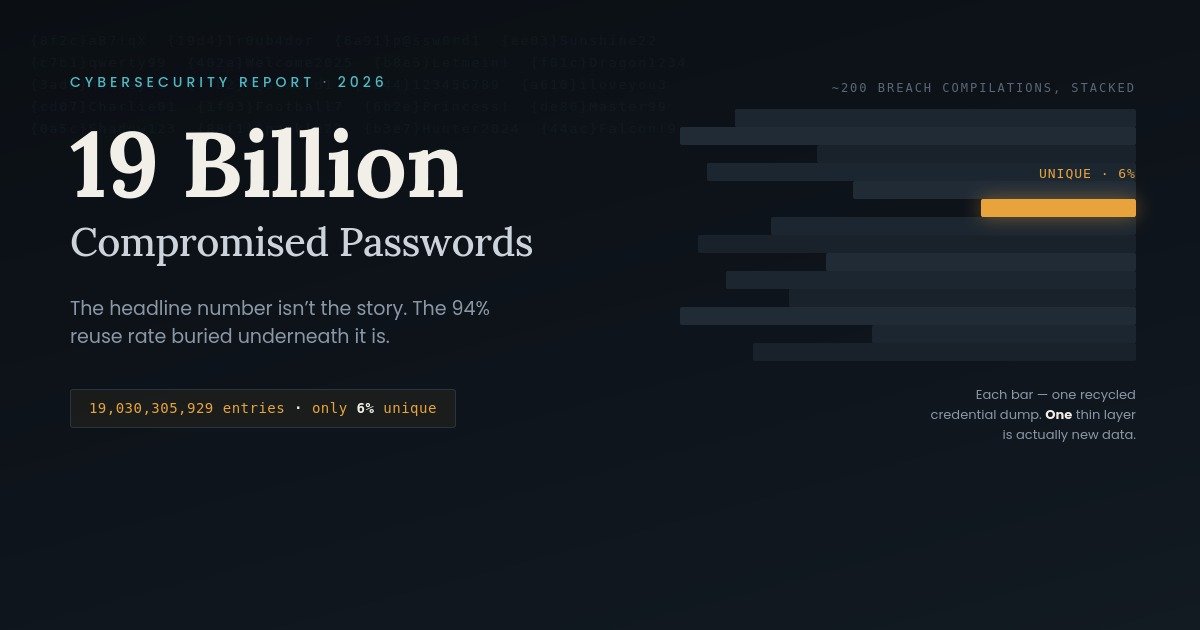
The headline number — north of 19 billion individual password entries — is technically accurate. It’s also misleading on its own, because a “password entry” in this context just means one line in one file. The same stolen password sitting in five different leaked databases counts as five entries, not one.
Also Read : How to Evaluate The Top Knowledge Base Software for Customer Support
The Number Everyone Quotes vs. The Number That Matters
Here’s the detail most coverage buried: when researchers removed duplicate entries, only a small single-digit percentage of the 19 billion records turned out to be unique. The overwhelming majority — by some estimates more than 9 in 10 — were the same recycled passwords showing up again and again across different breach compilations.
That distinction matters because it changes what kind of event this actually is. A single fresh breach of one company is a discrete, fixable problem: rotate the affected passwords, notify users, move on. A rolling compilation of years of recycled credentials is a structural problem. It tells you that password reuse, not any one company’s failure, is the real engine driving account takeovers at scale.
In other words, the “19 billion” framing makes this sound like a single catastrophic event. The reality is closer to a population-level habit — most people reuse passwords across multiple sites — finally being measured and published in one place.
Where Did 19 Billion Passwords Actually Come From?
Three sources feed compilations like this one:
- Infostealer malware logs. Malicious software installed (often unknowingly) on a victim’s device quietly copies every username and password saved in the browser, then ships that data to a server an attacker controls. This is now believed to be the single biggest contributor to large credential dumps.
- Recycled breach data. Older breaches — some years old — get repackaged, merged with newer leaks, and recirculated on criminal forums and marketplaces under a new, headline-friendly name.
- Credential stuffing kits. Automated tools take these massive lists and test them against hundreds of websites and apps in bulk, relying on the fact that people reuse the same password (or close variations of it) across multiple accounts.
The common thread: none of this requires a sophisticated, targeted hack. It requires exactly one weak link — a password reused somewhere, on some device, at some point in the last several years — and an automated tool that never gets tired of trying.
Also Read : iGaming Marketing in 2026: The Complete Guide to Strategy, Tools, and Player Retention
Am I One of the 19 Billion? How to Check
You don’t need to guess. A handful of legitimate, free tools let you check whether your email address or password has shown up in known breach data:
- Search your email address on a reputable breach-checking site.
- Check whether your browser or password manager already flags saved passwords found in known leaks (most major browsers do this automatically now).
- Look for unusual login alerts, password-reset emails you didn’t request, or unfamiliar devices on accounts that matter most (email, banking, cloud storage).
- If you reuse a password anywhere, assume it’s exposed and change it — starting with your most important accounts first.
Also Read : DeepSeek AI Alternatives: 10 Best Tools to Use in 2026
Best Tools to Check and Fix Compromised Passwords in 2026
There’s no single tool that does everything here. Breach checkers tell you if you’re exposed. Password managers stop you from being exposed again. Identity-monitoring services watch your broader digital footprint. Here’s how the major options stack up:
| Tool / Service | Category | What It Actually Does | Starting Price (2026) | Free Option |
|---|---|---|---|---|
| Have I Been Pwned | Breach checker | Searches your email against known breach datasets | Free | Yes, fully free |
| Bitwarden | Password manager | Generates, stores, and autofills unique passwords; flags reused/weak/exposed logins | ~$1.65/mo (Premium) | Yes, genuinely usable free tier |
| 1Password | Password manager | Vault + Watchtower security audits + passkey support | ~$2.99–3/mo | 14-day trial only |
| Dashlane | Password manager + VPN | Password vault, dark web monitoring, bundled VPN | ~$4.99/mo | Limited (1 device) |
| NordPass | Password manager | Vault, breach scanner, often bundled with NordVPN | ~$1.49–1.99/mo (promo pricing) | Limited free tier |
| Aura | Identity protection | Dark web monitoring, credit monitoring, device protection, data-broker removal | ~$9–15/mo (individual) | 14-day trial only |
A quick note on “credit-based” pricing: password managers and breach checkers almost always use flat monthly or annual subscriptions, not consumable credits. Where you will see credit- or request-based pricing is in adjacent services like personal data-removal tools, which charge per removal request submitted to data broker sites. If a vendor advertises “credits,” check exactly what one credit buys before assuming it behaves like a subscription seat.
What This Means for eCommerce Sellers
If you run a storefront on Shopify, Amazon, Etsy, or a similar platform, your seller account is a far more valuable target than any single customer login — it controls payouts, inventory, and customer data in one place. Reused passwords on supplier portals, payment processors, or marketplace logins are exactly the kind of credential that ends up in compilations like this one. Enable two-factor authentication on every platform account that touches money or customer data, and treat any staff or VA login the same way you’d treat your own.
What This Means for Content Creators
Creator accounts are attractive precisely because they come with an audience attached. A compromised YouTube, Instagram, or TikTok login can be used to push scams to your followers before you even notice you’re locked out. Because creators often juggle dozens of linked tools (scheduling apps, link-in-bio services, email platforms), one reused password can cascade into several accounts at once. A password manager that flags reused logins across all of them is worth the few dollars a month.
What This Means for Marketers
Marketing teams sit on customer lists, ad account access, and CRM data — all valuable to attackers running credential-stuffing campaigns against marketing platforms. Shared logins (a long-standing bad habit in marketing teams) multiply the blast radius: if one team member’s password is in a leak, every tool that login touches is exposed. Move shared accounts to individual logins with role-based access wherever your tools allow it.
What This Means for Businesses and IT Teams
For organizations, the lesson isn’t “force everyone to reset their password this week.” That generates support tickets without fixing anything, since a reused password simply gets replaced with another reused password. The more durable fix is prioritizing phishing-resistant authentication (passkeys, hardware security keys) for high-risk accounts — admin panels, finance tools, anything with destructive permissions — and layering in login-time risk signals like device recognition and unusual-location alerts for everything else.
Your 7-Step Action Plan
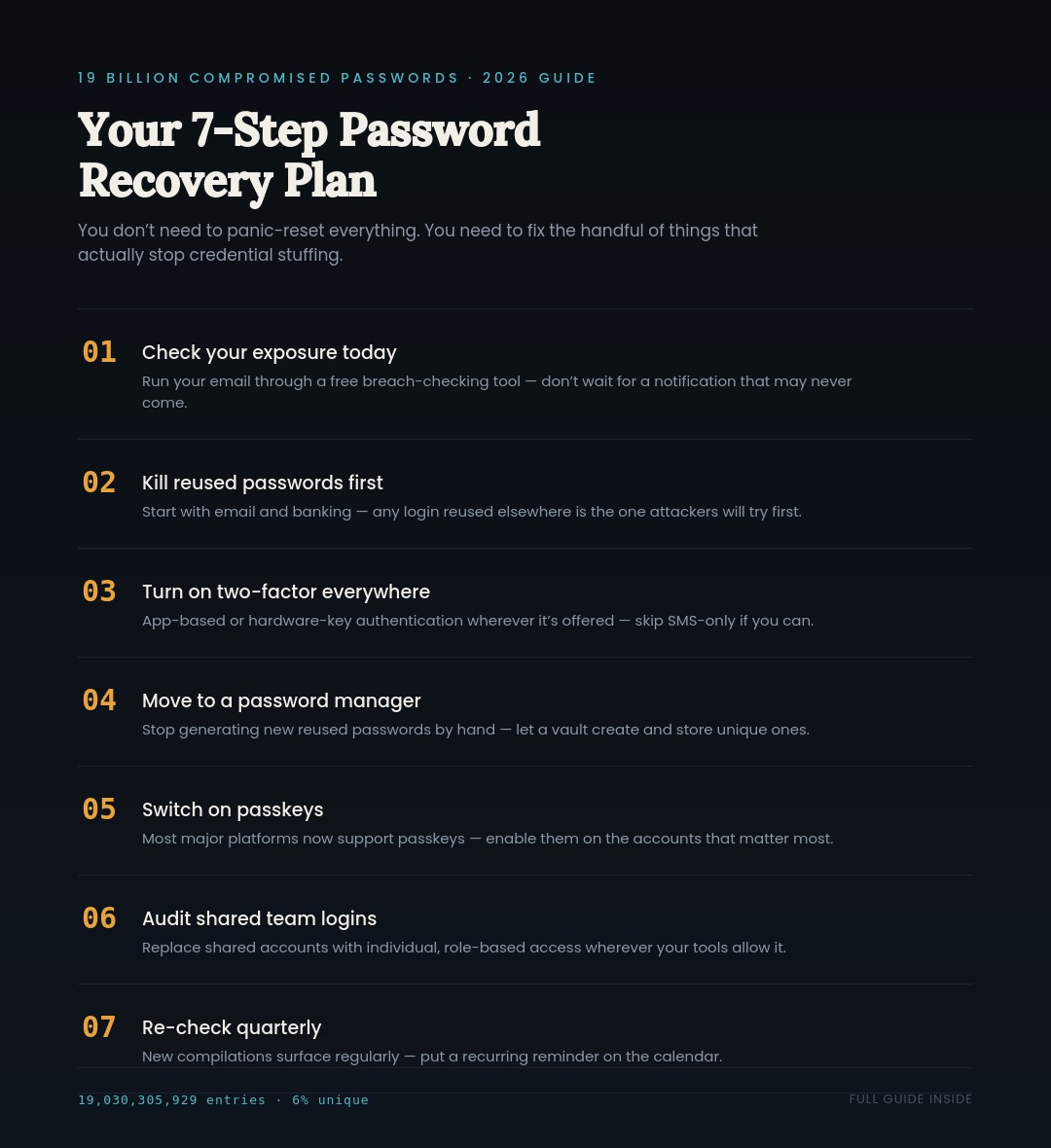
- Check your email against a free breach-checking tool today.
- Change any password that’s reused across more than one site, starting with email and banking.
- Turn on two-factor authentication everywhere it’s offered — app-based or hardware-key, not SMS if you can avoid it.
- Move to a password manager so you stop creating new reused passwords.
- Enable passkeys on accounts that support them (most major platforms now do).
- For teams: audit shared logins and move toward individual, role-based access.
- Set a recurring reminder (quarterly is reasonable) to re-check your exposure, since new compilations surface regularly.
FAQs
Are all 19 billion of those passwords actually unique and active? No. After removing duplicates, only a small single-digit percentage of entries are unique. Most of the data is recycled from previous breaches and infostealer logs collected over time, not from one fresh hack.
Should I change every single password I have right now? Not necessarily all at once. Prioritize accounts with reused passwords, especially email, banking, and anything tied to payments. A password manager can show you exactly which logins are weak, reused, or flagged in known breaches so you’re not guessing.
Is my password in the leak if I haven’t been notified by anyone? Notifications aren’t guaranteed or instant. The most reliable way to know is to check directly using a breach-checking tool rather than waiting for an email that may never arrive.
Does using a password manager actually stop this from happening again? It significantly reduces the risk. A password manager generates a unique password for every account, so even if one site you use gets breached, the leaked password can’t be reused to break into your other accounts.
Is SMS-based two-factor authentication still good enough? It’s better than nothing, but it has known weaknesses, particularly SIM-swapping attacks. Where available, app-based authenticators, hardware security keys, or passkeys offer stronger protection.
Why do these “billions of passwords” stories keep happening? Because infostealer malware keeps harvesting fresh credentials, and old breach data keeps getting repackaged and recirculated. There will likely be another headline like this one within the year — the underlying habit (password reuse) hasn’t gone away.
Final Verdict
The 19 billion figure is real, but it’s a measurement of password reuse at scale, not evidence of one new catastrophic hack. The actionable takeaway isn’t to panic — it’s to stop reusing passwords, turn on stronger authentication where it’s offered, and use a tool that does the boring, repetitive part of password hygiene for you. Do that once, properly, and the next “billions of passwords leaked” headline becomes background noise instead of a fire drill.