
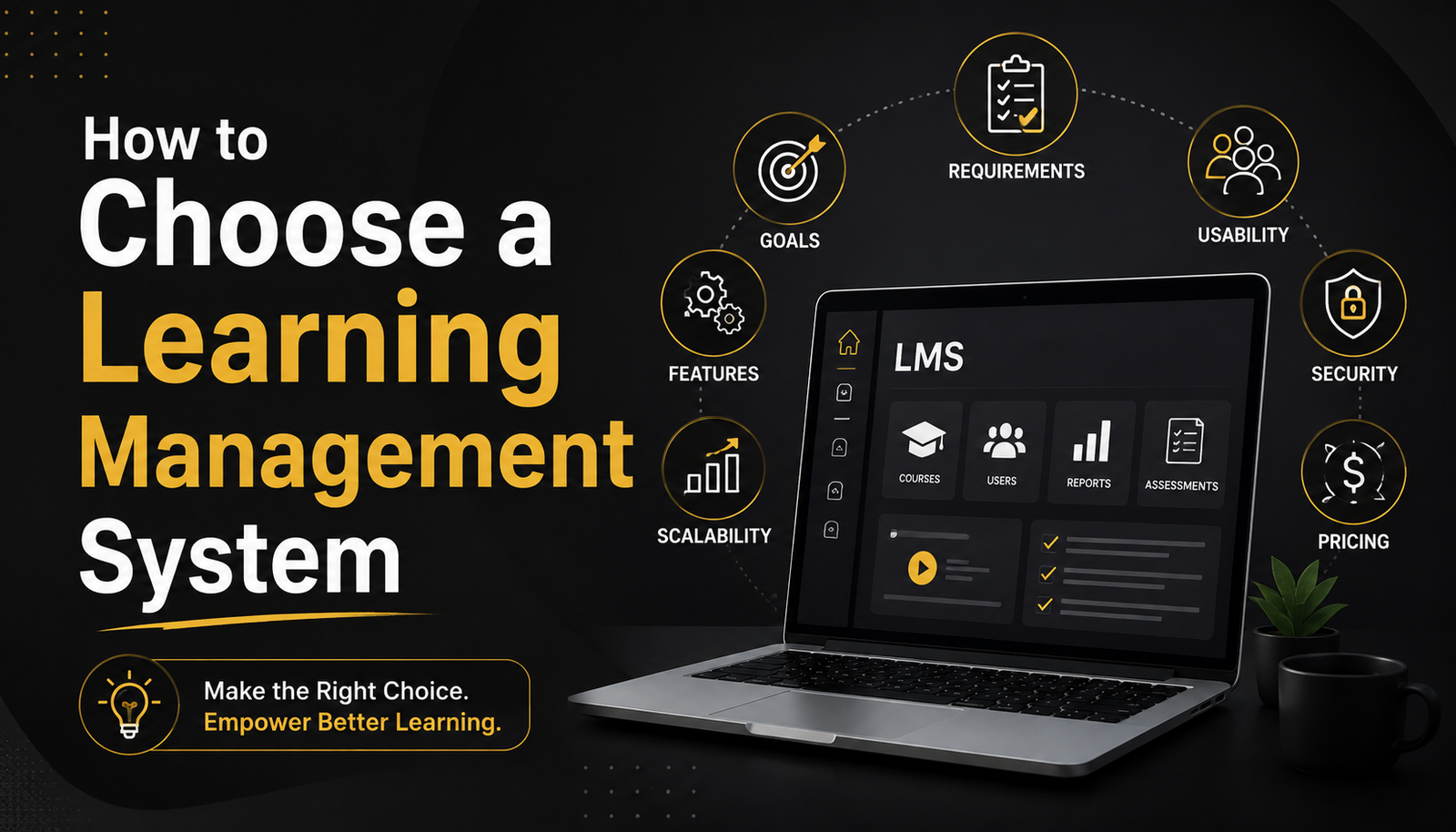
How to Choose a Learning Management System
Picking an LMS feels a lot like buying a mattress. Everyone tells you it’s important, there are a hundred options that all sound the same in the ads, and you don’t really find out if you made the right call until you’ve been living with it for a few months.
I’ve watched teams go through this decision both ways — the rushed version where someone picks whatever’s on top of a “Best LMS 2025” listicle, and the slower version where they actually map out what they need first. The second group almost never regrets it. The first group usually does, right around month four.
So let’s slow it down. Here’s how to actually think through choosing a learning management system, step by step.
Start With Why You Need One in the First Place
This sounds basic, but skipping it is the number one reason people end up with the wrong platform. “We need an LMS” isn’t a requirement — it’s a symptom. The actual need underneath it is different for everyone.
Are you onboarding new hires faster? Running compliance training that has to be audit-proof? Selling courses to external customers? Training a distributed team across time zones? Each of these points you toward a different kind of platform, and honestly, some LMS products are genuinely bad at things others do well.
If you’re just getting oriented, it helps to look at a general LMS features checklist for beginners before you even start taking sales calls. Walking in with a clear list keeps vendors from steering the conversation toward whatever they’re best at selling, instead of what you actually need.
Figure Out Who’s Actually Using It
Two very different questions here: who administers the system, and who learns on it. Both matter, and people usually only think about one.
On the admin side, ask how much technical know-how it takes to build a course, run a report, or fix a broken enrollment. Some platforms need almost a developer’s mindset to configure properly. Others are drag-and-drop simple. Neither is “better” in the abstract — it depends on who’s going to be running the thing day to day.
On the learner side, think about your actual audience. If you’re training office staff who live in their inbox all day, a clean, simple interface matters more than flashy gamification features. If you’re a small team without a dedicated L&D department, you’ll want something closer to a best LMS for employee training and development built for lean teams — not an enterprise suite designed for a 500-person training department.
Cloud-Based or On-Premise? Actually Think About It
This used to be a bigger debate than it is now — most businesses land on cloud hosting these days, and for good reason. But it’s still worth understanding what you’re trading off, especially if you’re in a regulated industry or have strict data residency requirements.
Cloud platforms are easier to set up, get updated automatically, and don’t need your IT team babysitting a server. On-premise gives you more control over data and infrastructure, but it comes with real maintenance overhead and upfront cost.
If you’re unsure which fits your situation, it’s worth reading through a proper breakdown of cloud based LMS vs on premise LMS before assuming cloud is automatically the right call. For most small and mid-sized organizations it is. For some heavily regulated industries, it genuinely isn’t.
Don’t Underestimate the Implementation Phase
Here’s the part almost nobody budgets time for. You don’t just buy an LMS and flip a switch. There’s course migration, user data setup, integration with your existing tools, testing, and — realistically — a few weeks where things don’t quite work the way the demo promised.
Ask vendors directly what a realistic LMS implementation timeline what to expect looks like for a company your size. If they say “you’ll be live in two days” for a system with hundreds of users and existing course content to migrate, be skeptical. That’s either a very simple product or an optimistic sales rep.
A rough rule of thumb I’ve seen hold up: small teams with minimal content, expect a couple of weeks. Larger organizations with existing courses, certifications, and integrations, expect one to three months to get everything running smoothly.
Get Past the Demo — Actually Vet the Vendor
Demos are designed to make everything look effortless. That’s their whole job. What they won’t show you is what happens when your account manager changes for the third time in a year, or when a support ticket takes four days to get a real response.
Before signing anything, spend real time figuring out how to evaluate LMS vendors before buying, not just their software. A few things worth checking:
- How long has the company been around, and are they financially stable? (Nobody wants their LMS to shut down mid-contract.)
- What does their support actually look like — chat, phone, dedicated rep?
- Can you talk to an existing customer, ideally one similar in size to your organization?
- What’s their track record on uptime and outages?
Reviews on third-party sites help, but take the 5-star ones with a grain of salt. Look for the 3-star reviews instead — those tend to be the most honest, written by people who liked the product enough to stick around but are still frustrated by something specific.
Price It Out Properly, Not Just the Sticker Price
Almost every LMS pricing page hides the real cost somewhere. Maybe it’s per-user pricing that balloons as you grow. Maybe it’s a “starter” plan that doesn’t include reporting, or certification features, or API access — all things you’ll probably need eventually.
Build out a two-year cost projection, not just what you’d pay this month. Ask what happens to pricing as your user count grows, and get clarity on what’s included versus what’s a paid add-on. It’s a boring exercise, but it’s saved more than one company from a nasty surprise on renewal.
The Actual Decision
By this point you’ve probably narrowed things down to two or three real contenders. My honest advice: don’t pick based on the feature comparison spreadsheet alone. Get a small pilot group actually using the top choice — real learners, real content, even just for a couple of weeks — before you sign a full contract.
Spreadsheets don’t tell you that your admin team finds the reporting dashboard confusing, or that learners keep getting stuck on the login page. A short pilot will.
Choosing the right LMS isn’t about finding the platform with the most features. It’s about finding the one that fits how your team actually works — and one you won’t be quietly frustrated with six months from now.
Not sure where to start comparing your shortlist? Talk to our team for a free consultation and we’ll help you narrow it down.