
How to Find Unauthorized Uploads of Your YouTube Videos
You spend hours filming, editing, tweaking a thumbnail until it looks just right — and then you find your exact video sitting on some random channel with three million views and a different title slapped on it. It happens more than most creators realize. Sometimes it’s a full rip. Sometimes it’s your best ten seconds dropped into someone else’s “compilation” without so much as a mention of your name.
Here’s the thing though: you don’t need a law degree or some deep technical background to track this stuff down. You just need to know where to look, and this guide walks through exactly that.
Why bother chasing this down at all?
Fair question, especially if you’re busy. But a few reasons make it worth the time:
It quietly eats into your watch time and traffic, which isn’t great for how the algorithm treats your channel. Ad revenue that should be yours ends up in someone else’s pocket. And if the person who stole it edited it badly, added weird subtitles, or dropped it next to content you’d never want to be associated with, that’s now attached to your name whether you like it or not.
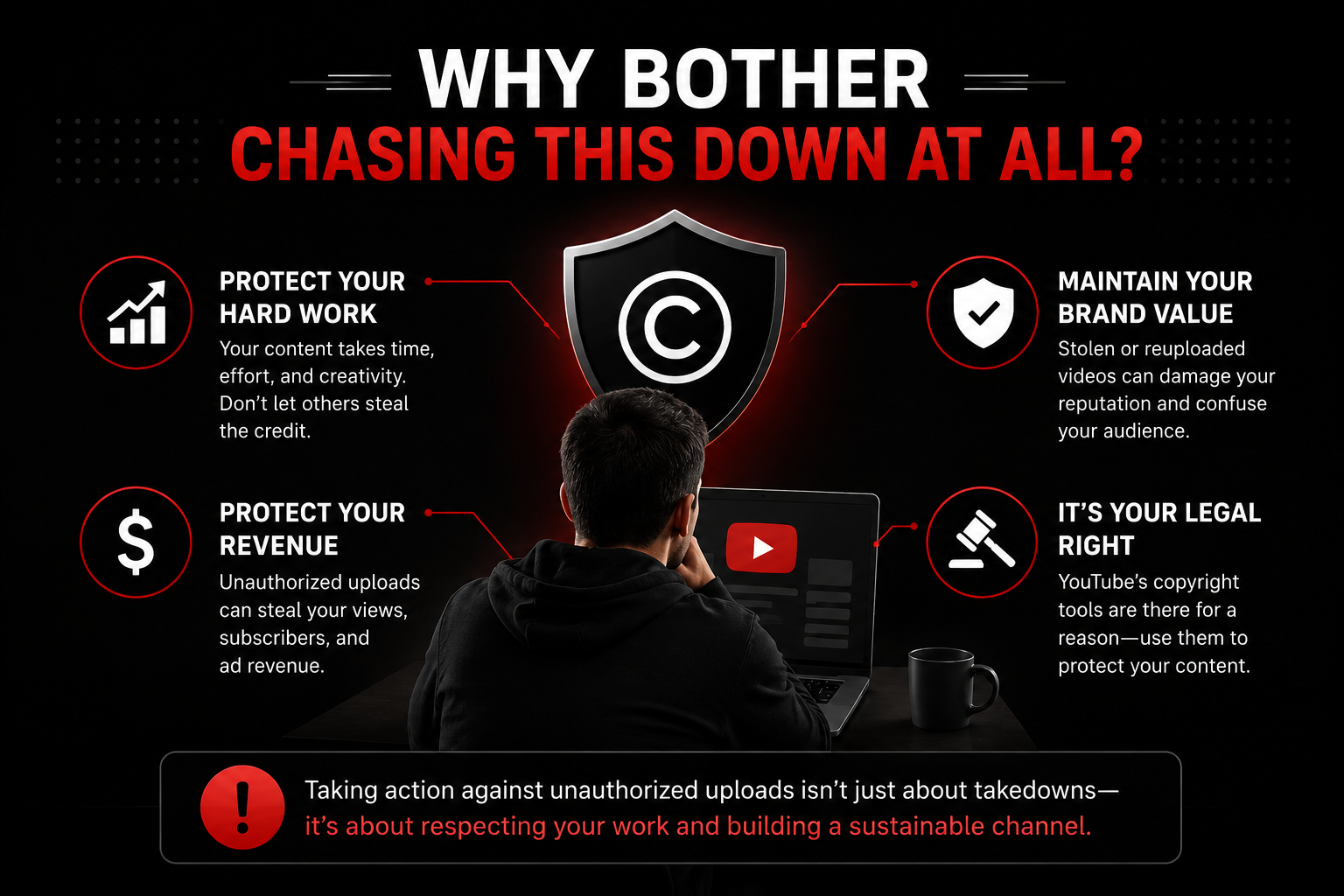
One stray upload might not matter much. But these things pile up, and YouTube’s algorithm doesn’t really care who made something first — it cares about what’s getting watched.
Also Read : Explore Surfer SEO Features, Pricing & Benefits
1. Check YouTube’s Copyright Match Tool first
This should be your starting point, assuming your channel qualifies for it (you generally need some history of posting original content and a decent subscriber count).
To get there:
- Open YouTube Studio
- Click Content on the left sidebar
- Head to the Copyright tab
- See what’s already been flagged
YouTube runs this scan automatically in the background, comparing new uploads against your catalog. If something matches closely enough, it just shows up here — you don’t have to go digging for it. From that screen you can ask for removal, message the uploader, or ignore it if it’s not actually a problem.
2. Do a manual search too — the tool misses things
Automated matching is decent, but it’s not perfect. Someone trims a few seconds off the start, re-encodes the file, changes the title — and suddenly it slips right past detection. A little manual digging every so often catches what the tool doesn’t.
A few things worth trying:
- Search your video’s exact title in quotes
- Pull a weird or specific phrase you actually say in the video and search that instead
- Try your channel name next to words like “compilation,” “full video,” or “reupload”
- Sort search results by upload date so the newest copies float to the top
It’s a bit tedious, sure. But this is usually how you catch the smaller, newer channels that automated tools tend to overlook.
3. Let Google Alerts do some watching for you
Most people use Google Alerts for tracking their own name in the news, but it works just as well for keeping tabs on your video content across the web — YouTube included.
Setting it up takes about two minutes:
- Go to Google Alerts
- Type in a distinctive phrase from your video — something specific enough that it won’t return a flood of unrelated results
- Set the source to “Video” (or “Web” if you want broader coverage)
- Pick how often you want emails
It won’t catch every single copy out there, but it’s free, and it runs in the background without you having to remember to check anything.
4. Try reverse video or frame search tools
You’ve probably used reverse image search before to figure out where a photo came from. There’s a similar idea for video, and it can surface copies that keyword searches completely miss.
Worth trying:
- Berify, or a comparable reverse video search tool that scans for matching footage across the web
- Pulling a still frame or two from your own video and running it through Google Images or TinEye
- Keeping an eye on YouTube’s own “watch on other channels” hints, which occasionally pop up when duplicate uploads exist
This method really shines when the uploader changed the title and description entirely — text search won’t find that, but the visuals give it away.
5. Keep an eye on the usual suspects
Some channels just do this repeatedly. Compilation pages, “best moments” accounts, content farms that repost in bulk — if one of these has taken your content once, chances are they’ll do it again. Bookmark the channel and check back on it every so often rather than assuming it was a one-time thing.
It’s also worth poking around niche-specific forums or aggregator sites where content in your space tends to circulate without credit.
6. Consider a paid content-protection service
If you genuinely don’t have time to manually check all of this — and honestly, most creators don’t — there are services built specifically to monitor the web for unauthorized use of your videos and file takedowns for you automatically. They run continuously in the background across YouTube and beyond, which matters a lot if you’ve got a large back catalog or content that gets stolen often.
So you found a stolen copy — now what?
Finding it is the easy part. Here’s what you can actually do about it:
- File a copyright takedown through YouTube’s official process
- Reach out to whoever uploaded it and ask them to take it down or at least credit you
- Use the Copyright Match Tool’s built-in reporting, if that’s how you found it
- Save screenshots, note the URL, and record the upload date — just in case things need to escalate later
If the same channel keeps doing this over and over, that pattern can be reported to YouTube’s Trust & Safety team directly, and repeated offenses tend to carry more weight than a single isolated case.
Also Read: 12 Best LLM Tracking Tools to Monitor AI Search
Bottom line
You don’t have to turn this into a second job. A mix of YouTube’s built-in tools, the occasional manual search, and — if it makes sense for your situation — a paid monitoring service covers most of what you need without eating up your week. The faster you catch a copy, the less damage it does to your views, your revenue, and honestly, your peace of mind.