
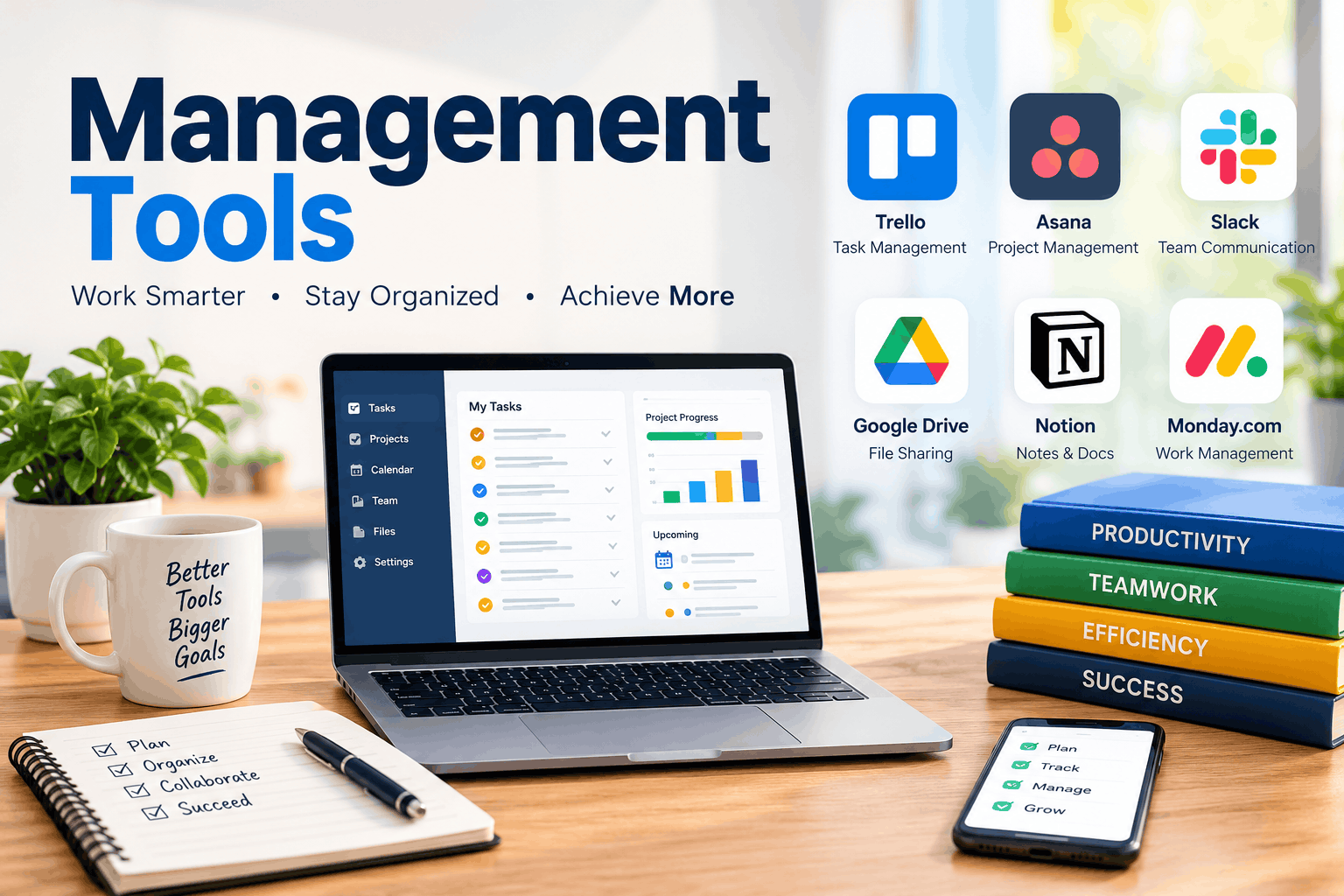
Management Tools for Software Developers: The Complete 2026 Guide to Choosing, Comparing and Using Them
Writing code is only half of a developer’s job. The other half is knowing what to build next, who is blocked, what shipped last week, and why a deadline slipped. When that second half runs on memory and scattered chat messages, even strong engineers burn out. That is where management tools earn their place. In this guide you will learn what they actually do for a development team, the six categories worth knowing, a side-by-side look at popular platforms, and a practical method for choosing without regret.
What Are Management Tools for Developers?
For a software team, they are the methods and applications that turn a vague idea into shipped, maintained code. They hold the backlog, assign ownership, track bugs, record decisions, and report progress. Some are lightweight, like a kanban board with three columns. Others are full platforms covering planning, issue tracking, documentation, and release reporting.

One point matters more than any feature: a tool is not a process. A tool only makes a good process visible and repeatable. If your team has no agreed way of deciding priorities, software will not invent one. It will simply display the confusion more neatly.
Why Software Teams Struggle Without Structure
Development work is unusually hard to see. Unlike a factory floor, progress lives inside files, branches, and people’s heads. Without shared structure, teams pay an invisible tax in these ways:
- Scope creep. Small requests pile up with no record of what was agreed.
- Hidden blockers. A developer waits two days for a review nobody knew was needed.
- Lost knowledge. The only person who understands the payment module goes on holiday, or leaves.
- Invisible workload. One engineer carries three people’s tasks while another looks idle.
- Unclear priorities. Everything is “urgent,” so nothing is.
Good tooling attacks each of these directly. It gives requests a home, makes blockers visible, stores knowledge in writing, shows workload honestly, and forces a ranked list.
Six Categories of Management Tools Every Developer Should Know
Most teams do not need a dozen products. They need one solid answer in each of these six areas, and sometimes one platform covers several.
1. Planning and backlog tools
These hold the list of everything the team might build, ordered by priority. Sprint boards, roadmaps, and story estimates live here. The key question they answer is “what are we doing this week, and why?”
2. Issue and bug tracking tools
Every defect, request, and technical-debt item needs an owner, a status, and a history. Good trackers support custom workflows such as reported, confirmed, in progress, in review, released, plus labels, severity levels, and links to the code that fixed the problem.
3. Code hosting and collaboration tools
GitHub, GitLab, and Bitbucket are rarely described as planning software, yet pull requests, code reviews, and linked issues manage a huge share of a developer’s real work. Among all the management tools a developer touches, these are the ones that sit closest to the code, so connecting them to your planning board removes a great deal of manual status updating.
4. Documentation and knowledge tools
Wikis, architecture notes, runbooks, and decision logs keep answers from depending on one person. A useful rule: if a question is asked twice in chat, the answer belongs in the wiki.

5. Communication and meeting tools
Team chat, video calls, and shared meeting notes handle conversation. The goal is to keep discussion fast without letting decisions disappear into scroll-back. Decisions should be copied to the ticket or document they affect.
6. Time, workload, and reporting tools
Dashboards, velocity charts, time trackers, and workload views help leads spot overload early and give clients honest progress reports. Use them to understand the system, not to police individuals.
Quick Comparison of Popular Platforms
The table below summarizes where each well-known option tends to fit. Features and plans change often, so check each vendor’s current pricing and feature pages before committing.
| Tool | Best for | Standout strength | Watch out for |
|---|---|---|---|
| Jira | Software teams running scrum or kanban at scale | Deep issue tracking, workflows, roadmaps | Can feel heavy for very small teams |
| Linear | Fast-moving product and engineering teams | Speed and a clean, focused interface | Opinionated workflow with fewer custom options |
| GitHub Projects | Teams already living in GitHub | Issues tied directly to code and pull requests | Less friendly for non-technical stakeholders |
| Trello | Beginners, solo developers, small teams | Simple, visual kanban boards | Advanced reporting usually needs add-ons |
| ClickUp | Teams wanting many views in one place | Flexible views, docs, and automation | Many options can overwhelm new users |
| Notion | Documentation-heavy teams and startups | Wiki plus lightweight databases | Not a dedicated bug tracker |
| Zoho Projects | Teams needing issue tracking plus Gantt charts | Time tracking and an issue module | Works best inside the wider Zoho suite |
| Workast | Slack-first teams | Creating and tracking tasks inside Slack | Narrower than full platforms |
A Closer Look at the Leading Options
Jira. Built with software teams in mind, it handles complex workflows, agile boards, and reporting, and it connects with a large ecosystem of developer apps. It rewards teams willing to configure it carefully and can frustrate those who want to start in five minutes.
Linear. Popular with product-led engineering teams, it emphasizes speed: quick keyboard-driven entry, cycles for sprint-style work, and a tidy roadmap view. It suits teams that prefer a ready-made way of working over endless customization.
GitHub Projects. If your code, reviews, and issues already live on GitHub, adding boards there reduces context switching. Status can update as pull requests move, which saves manual effort.
Trello. Its drag-and-drop cards make it the easiest on-ramp. A freelancer can set up a working board in minutes. As complexity grows, many teams outgrow it or extend it with add-ons.
ClickUp. It tries to be tasks, docs, goals, and dashboards in one place. That flexibility is attractive for mixed teams, but it works best when someone sets conventions early so it does not turn messy.
Notion. Excellent for specs, meeting notes, and onboarding guides, with databases that can double as simple task lists. Pair it with a proper tracker if bug volume is high.
Zoho Projects, ProofHub, Hive, and Workast also appear on many shortlists. They are worth a trial if you need built-in time tracking, multiple project views, email-style collaboration, or Slack-based task handling.
How to Choose the Right Management Tools for Your Team
Most bad purchases happen because teams start with a demo instead of a problem. Work through these steps in order.
- Write the problem in one sentence. “Bugs get lost between support and engineering” calls for a very different answer than “clients cannot see our progress.”
- Match your methodology. Scrum teams need sprints and velocity. Kanban teams need work-in-progress limits. Hybrid teams need flexibility. Check that the tool supports how you really work.
- Check integrations. The tool should connect with your repository, chat app, calendar, and CI pipeline. Every manual copy-and-paste step is a place where data goes stale.
- Judge the learning curve honestly. If new hires need a week of training before they can file a ticket, adoption will suffer. When comparing management tools, ask a teammate who did not attend the demo to try a simple task unaided.
- Look at reporting. Can you see overdue items, workload by person, and progress against a release without exporting to a spreadsheet?
- Calculate real cost. Add licences, admin time, training, and migration. A cheap tool that costs ten hours a month of upkeep is not cheap.
- Plan your exit. Confirm you can export your data in a usable format. Lock-in is easiest to avoid before you start.
Match the Tool to Your Situation
- Solo developer or freelancer: a simple kanban board, a calendar, and a notes app are enough. Resist complexity.
- Early-stage startup (2 to 10 people): pick one tracker that engineers like, plus a shared wiki. Speed matters more than reporting.
- Growing team (10 to 50 people): you now need roadmaps, permissions, and cross-team visibility. This is when many companies outgrow their first choice, so review your stack yearly.
- Remote or distributed team: favor written updates, asynchronous communication, and clear time-zone-friendly handoffs. For distributed groups, the best management tools are the ones that make status obvious without a meeting.
- Agency or client work: you need client-friendly views, approval trails, and time tracking so billing and reporting match.
Mistakes That Quietly Kill Adoption
- Choosing for managers only. If developers find the tool irritating, they will update it late or not at all, and the data becomes fiction.
- Over-configuring on day one. Twenty custom fields and nine statuses guarantee inconsistent use. Start with the minimum.
- Running duplicate systems. When tasks live in both a tracker and a spreadsheet, nobody trusts either. Teams that audit their management tools every six months catch this overlap early.
- Skipping naming rules. Without simple conventions for labels, priorities, and ticket titles, search becomes useless.
- Measuring the wrong thing. Counting tickets closed rewards tiny tasks and discourages careful work.
Best Practices for Getting Real Value
Software alone will not change results. These habits do:
- Hold a short weekly backlog review so the top of the list is always current.
- Agree on a written “definition of done” so finished means the same thing to everyone.
- Limit work in progress. Fewer open items per person means faster completion.
- Link every code change to a ticket so the history explains itself.
- Archive stale items monthly. A backlog of 900 forgotten tickets is noise, not a plan.
- Write decisions down where the work lives, not only in chat.
Treat these as the operating rules, and your management tools stay trustworthy because the information in them is current.
How AI Is Changing Management Tools in 2026
Artificial intelligence has moved from novelty to everyday feature. Common uses now include summarizing long ticket threads, drafting release notes from merged changes, suggesting duplicate issues, estimating effort from similar past work, and flagging items likely to miss a deadline.
Used carefully, these features save real time on administrative chores. But AI-assisted management tools still depend on clean inputs. If tickets are vague or statuses are out of date, the summaries and predictions inherit the same flaws. Treat AI as a fast assistant that drafts and highlights, while people stay responsible for priorities, trade-offs, and anything touching customers or security. Check where your data is processed and what your company’s policy allows before enabling any AI feature on private code or client information.
A 30-Day Rollout Plan
A calm, staged rollout beats a big-bang switch.
- Days 1 to 5: Diagnose. Interview the team, list the top three frustrations, and write your one-sentence problem.
- Days 6 to 10: Shortlist. Pick two candidates that fit your methodology and integrations. Set pilot goals, such as “cut time spent asking for status.”
- Days 11 to 20: Pilot. Run one real project through the leading candidate with a small team. Collect feedback every few days.
- Days 21 to 25: Review. Compare results against your goals. Check whether people actually used it without reminders.
- Days 26 to 30: Decide and document. Scale it, adjust it, or drop it. Write a one-page guide covering naming rules, statuses, and where information lives.
Keep the introduction of new management tools predictable and well explained, because surprises reduce trust and trust drives adoption.
Frequently Asked Questions
Which option is best for a beginner developer?
Start with a simple kanban board such as Trello, or GitHub Projects if your code is already on GitHub. Both teach the core habits of ordering work, limiting what is in progress, and moving cards to done.
Are free plans good enough?
For solo work and small teams, often yes. Free plans usually limit users, history, automation, or reporting, so check those limits against your needs before relying on one.
Can a team use more than one platform?
Yes, and most do: a tracker, a code host, a wiki, and chat. The rule is that each type of information has exactly one home and everyone knows where it is.
How many tools is too many?
If people regularly ask “where is that written down?”, you have too many or too few clear rules. As a guide, one tool per job in the six categories above is plenty for most teams.
Should developers or managers choose?
Both. Managers know the reporting needs, and developers know what will actually be used every day. Decisions made without the people doing the daily work tend to fail.
Conclusion
The best teams treat tooling as support, not decoration. Start with the problem, choose the simplest option that solves it, connect it to the code, and keep the information honest. Do that, and management tools become quiet infrastructure that lets developers spend their energy on building good software.
Digital Habits and Productivity: A 4-Step Plan for a More Focused Workday - Team disquantified.org
October 16, 2026[…] Also Read: Management Tools for Software Developers […]
Zip Business Trade Plus Explained: How the Line of Credit Worked, Why It Closed, and What Small Businesses Can Use Instead - Team disquantified.org
October 16, 2026[…] records and tidy systems make all of this easier. Our guide to management tools for software developers shows how to choose simple tools for tracking work, and our no-jargon investment guide is a helpful […]