
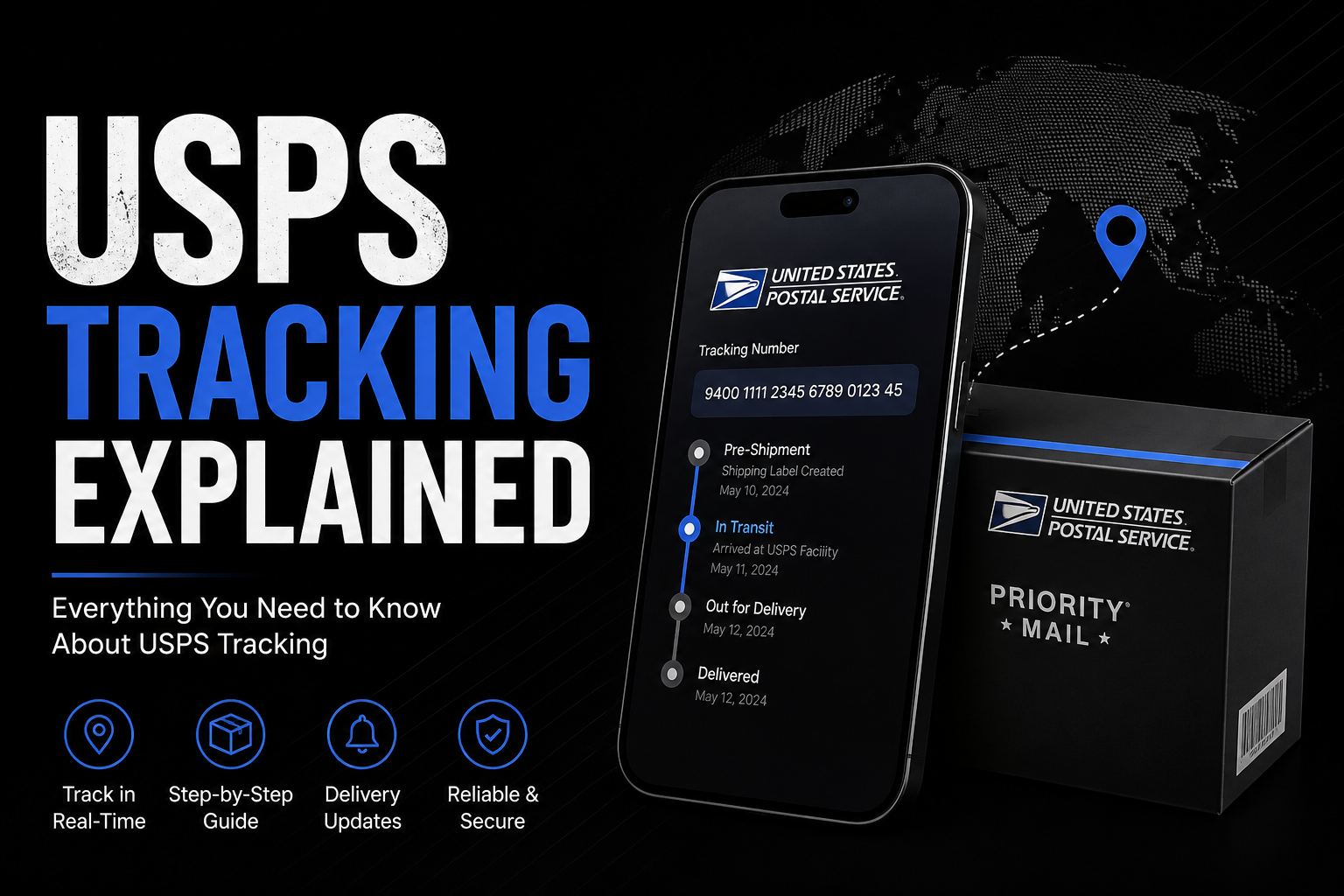
USPS Tracking Explained: What Every Status Actually Means
Last month I ordered a birthday gift for my nephew and watched the tracking page like it was a live sports score. “In Transit” for two days straight, then suddenly “Out for Delivery” at 6 AM, then nothing for six hours, then delivered. If you’ve ever refreshed a tracking page more times than you’d like to admit, you already know how confusing USPS statuses can be even though the system itself is pretty solid.
So let’s actually break this down — what USPS Tracking is, how it works behind the scenes, and what to do when it stops making sense.
What USPS Tracking Actually Is
USPS Tracking is a free service that follows your package from the moment it’s dropped off to the moment it lands on someone’s doorstep. Every package or mail piece that includes tracking gets a unique number — usually somewhere between 20 and 22 digits, though Priority Mail Express numbers are shorter and start with two letters.
That number gets scanned at different checkpoints: when it’s accepted, when it leaves a facility, when it arrives at the next one, when it’s loaded onto a delivery vehicle, and finally when it’s delivered. Each scan updates the status you see online.
Simple in theory. In practice, gaps happen, and that’s usually where people start panicking.
Not All Mail Comes With Tracking
This trips people up constantly. Priority Mail, Priority Mail Express, First-Class Package Service, and Media Mail all include tracking automatically. Regular First-Class Mail — the kind used for letters and cards — doesn’t come with tracking unless you pay extra for something like Certified Mail or Signature Confirmation.
If you’re mailing something important like legal documents, it’s worth understanding certified mail tracking usps options before you drop it in a mailbox and hope for the best. Certified Mail gives you a mailing receipt and tracking, plus proof of delivery if you need it later.
Why Your Tracking Number Sometimes Just… Stops Updating
This is probably the number one complaint I hear. You check the status, it says “In Transit, Arriving Late” and then nothing changes for two or three days. Your brain immediately jumps to worst-case scenarios.
Most of the time, it’s not actually lost. Packages don’t get scanned at every single point along their route — sometimes a facility is backed up, sometimes a scan just gets missed, sometimes the package is physically moving but nobody scanned it at that particular stop. If you’re dealing with this right now, it helps to know the common reasons behind usps tracking number not updating situations before assuming the worst. Give it 24-48 hours before you start worrying seriously.
That said, if there’s genuinely no movement for five or more business days, that’s when it’s worth contacting USPS directly or filing a missing mail search.
Also Read: Long Term Content Marketing Strategy: A Practical Guide
What If You Don’t Have a Tracking Number?
Sometimes a seller forgets to send you one, or you lose the confirmation email. It happens more than you’d expect. There are still a few ways to figure out where your package is — checking your email for any shipping confirmation, looking at your order history if it came from an online retailer, or reaching out to the sender directly for the number.
If none of that works, there are still options for how to track a USPS package without a tracking number, mostly involving contacting USPS with details like sender/recipient address and approximate ship date. It’s not guaranteed to work, but it’s worth trying before assuming the package is gone.
Understanding Priority Mail’s Status Language
Priority Mail tracking uses some specific phrasing that confuses people who aren’t used to it. “Departed USPS Regional Facility” doesn’t mean anything went wrong — it’s just a normal step. “Arrived at USPS Regional Facility” is the same thing, just the other side of that same movement.
The ones that actually warrant attention are things like “Delivery Exception,” “Held at Post Office,” or “Return to Sender.” If you’re seeing a status you don’t recognize, it’s genuinely useful to look up what usps priority mail tracking status meaning options actually indicate rather than guessing. Half the anxiety around tracking comes from misreading a totally normal update as a red flag.
When It Says “Delivered” But There’s Nothing There
This one’s frustrating, and unfortunately, common. Sometimes the scan happens a little early — the carrier marks it delivered right before actually placing it on the porch, or it gets left at a different door, mailbox cluster, or even a neighbor’s house by mistake.
Before assuming theft or a lost package, check around your property properly — side doors, mailroom, any package lockers, and even ask neighbors if something got misdelivered. If it’s genuinely nowhere to be found, there are clear next steps for a usps tracking says delivered but no package situation, including filing a claim if the item was insured. Wait at least 24 hours first, though — a surprising number of these resolve themselves the next morning.
A Few Tools That Make This Easier
Two features are genuinely worth setting up if you get a lot of mail or packages:
Informed Delivery shows you scanned images of your incoming mail every morning, plus package tracking, all through one daily email. It’s free, and honestly kind of satisfying to see what’s coming before it arrives.
Text and email alerts notify you automatically at major tracking milestones — accepted, out for delivery, delivered — so you’re not the person compulsively refreshing a browser tab all afternoon (guilty, as mentioned earlier).
The Bottom Line
USPS Tracking works well most of the time, and the confusion usually comes from not knowing what a status actually means rather than something genuinely going wrong. A missed scan doesn’t mean a lost package. A “delivered” status without a visible package usually resolves within a day. And knowing which mail types come with tracking built in can save you a lot of unnecessary stress before you even ship something.
If you’re currently dealing with a tracking issue and want a step-by-step way to sort it out, check your package status and get help here before assuming the worst.